

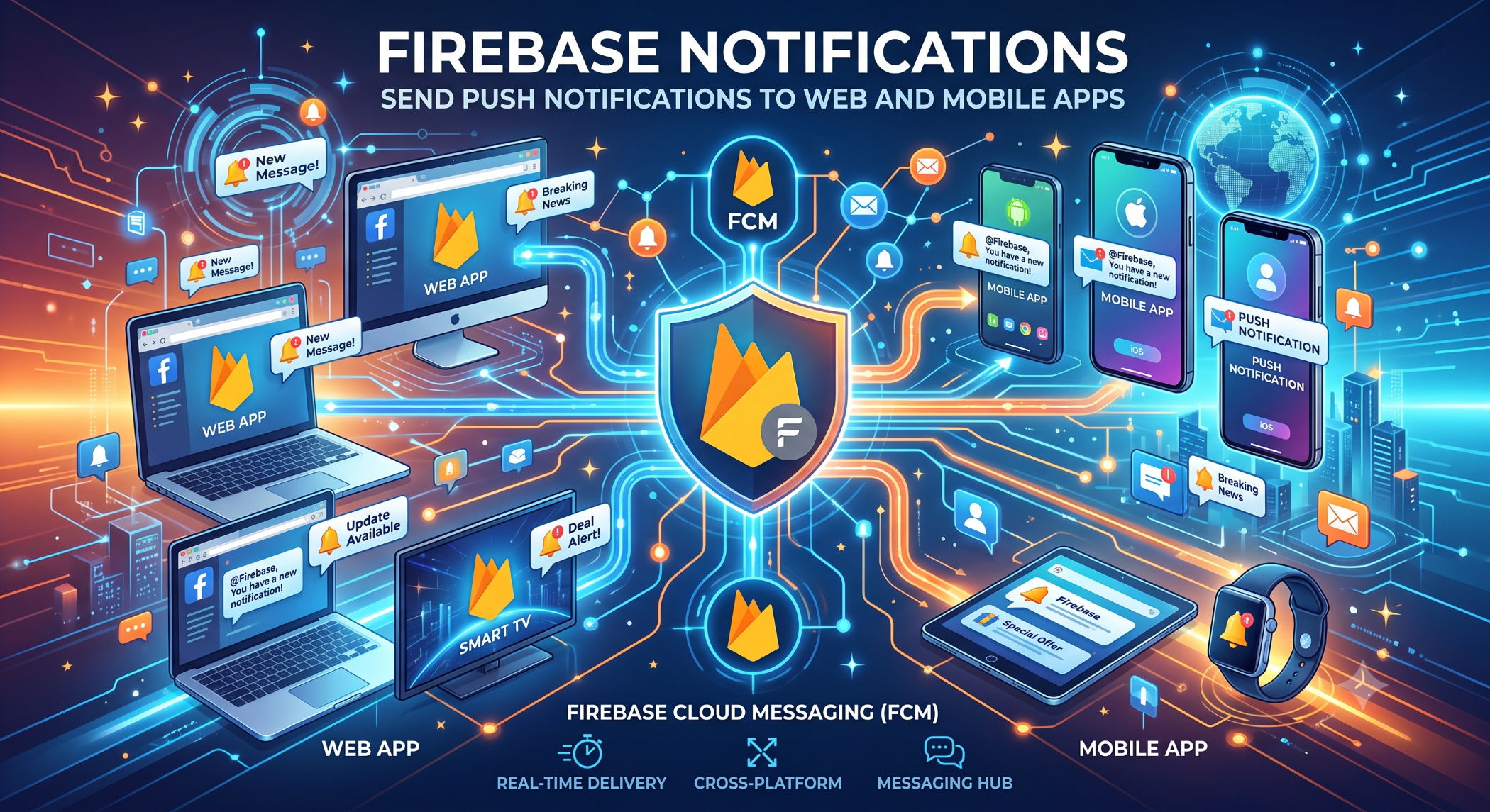
Firebase Notifications: Send Push Notifications to Web and Mobile Apps
Notifications are an effective way for applications to communicate with users. Businesses can use them to provide order updates, reminders, alerts, messages, and other timely information.
Firebase Cloud Messaging (FCM) is a cross-platform messaging service that allows developers to send notifications and data messages to supported Android, iOS, and web applications.
What Are Firebase Notifications?
Firebase notifications are messages delivered through Firebase Cloud Messaging.
A simplified workflow looks like:
Business Application
↓
Firebase Cloud Messaging
↓
Android / iOS / Web
↓
User Notification
The application can send a message through Firebase, which then delivers it to the appropriate registered device or web client.
Why Use Firebase Cloud Messaging?
FCM provides developers with a managed messaging infrastructure rather than requiring them to build an entire notification delivery system.
It can support:
Mobile push notifications
Web notifications
Device-targeted messages
Topic-based messaging
Data messages for application processing
Common Uses of Firebase Notifications
Businesses can use notifications for many purposes.
Order and Delivery Updates
An e-commerce application can notify a customer when an order is confirmed, shipped, or delivered.
Appointment Reminders
Healthcare, booking, and service applications can send reminders about upcoming appointments.
New Messages
Communication applications can notify users when a new message or activity is available.
Marketing Communication
Businesses can use notifications to inform opted-in users about offers, new products, or important announcements.
Marketing notifications should be relevant and should respect user preferences.
How Firebase Notifications Work
A typical implementation involves registering the application and obtaining a messaging token.
The application sends the token to the backend or appropriate Firebase service, allowing messages to be targeted to that application instance.
A simplified architecture is:
Mobile / Web App
↓
FCM Registration Token
↓
Application Backend
↓
Firebase Cloud Messaging
↓
Target Device
Notification vs Data Message
FCM supports different message patterns.
A notification message is intended to provide a user-facing notification that can be handled by the platform and application.
A data message delivers custom application data so the application can decide how to process it.
The appropriate message type depends on whether the primary requirement is user-visible communication, application processing, or both.
Send Notifications Using Topics
Topic messaging can be useful when the same notification needs to reach a group of subscribed users.
For example:
Topic: sports_updates
↓
Subscribers
↓
FCM
↓
Multiple Devices
Topics can be useful for categories such as news, product updates, or other opt-in groups.
Firebase Notifications for Android and iOS
FCM can be integrated into both Android and iOS applications.
Developers need to configure the application correctly for each platform, including the required Firebase project settings and platform-specific notification permissions and configuration.
iOS applications also depend on Apple's push-notification infrastructure, so platform-specific setup is required.
Firebase Notifications for Web
FCM can also support notifications for web applications in supported browsers.
A web application can request notification permission, register a service worker, and obtain the information required to receive FCM messages.
Browser and operating-system support should be tested because web notification behavior can vary between platforms.
Benefits of Firebase Notifications
Cross-Platform Messaging
A business can use one messaging platform across supported mobile and web applications.
Scalable Delivery
FCM provides managed messaging infrastructure that can support large application deployments.
Flexible Targeting
Messages can be sent to appropriate registered application instances, groups, or topics depending on the use case.
Integration With Applications
FCM can be connected with backend systems so notifications are triggered automatically by business events.
Firebase Notifications With Backend Systems
Notifications become more useful when they are connected to application events.
For example:
Order Created
↓
Payment Confirmed
↓
Backend Event
↓
FCM
↓
Customer Notification
This allows notifications to be triggered automatically instead of requiring staff to send them manually.
Security and Privacy
Notification systems should be designed carefully because tokens and messaging capabilities are part of the application's security model.
Do not expose server-side credentials or privileged messaging credentials inside the mobile or web client.
Applications should also ensure that users receive only the notifications they are authorized or opted in to receive.
Best Practices
Send notifications only when they provide meaningful value. Use clear titles and concise messages, handle notification permissions respectfully, and provide users with appropriate control over notification preferences.
Monitor delivery behavior and design the backend so notification failures do not break the underlying business transaction.
For sensitive information, avoid placing confidential data directly in a notification message.
Firebase Notifications at Solace Infotech
Firebase Cloud Messaging can be incorporated into mobile and web application development when businesses require real-time alerts, reminders, transactional updates, or other user communications.
Solace Infotech can integrate notification workflows with application backends, APIs, databases, and business processes according to project requirements.
Conclusion
Firebase Notifications, powered by Firebase Cloud Messaging, provide a practical way for businesses to communicate with users across supported mobile and web applications.
From order updates and reminders to messages and application alerts, FCM can connect business events with timely user communication.
The most effective notification strategy combines relevant messaging, secure implementation, appropriate targeting, user preferences, and reliable backend integration.


