innodb_flush_method in MySQL
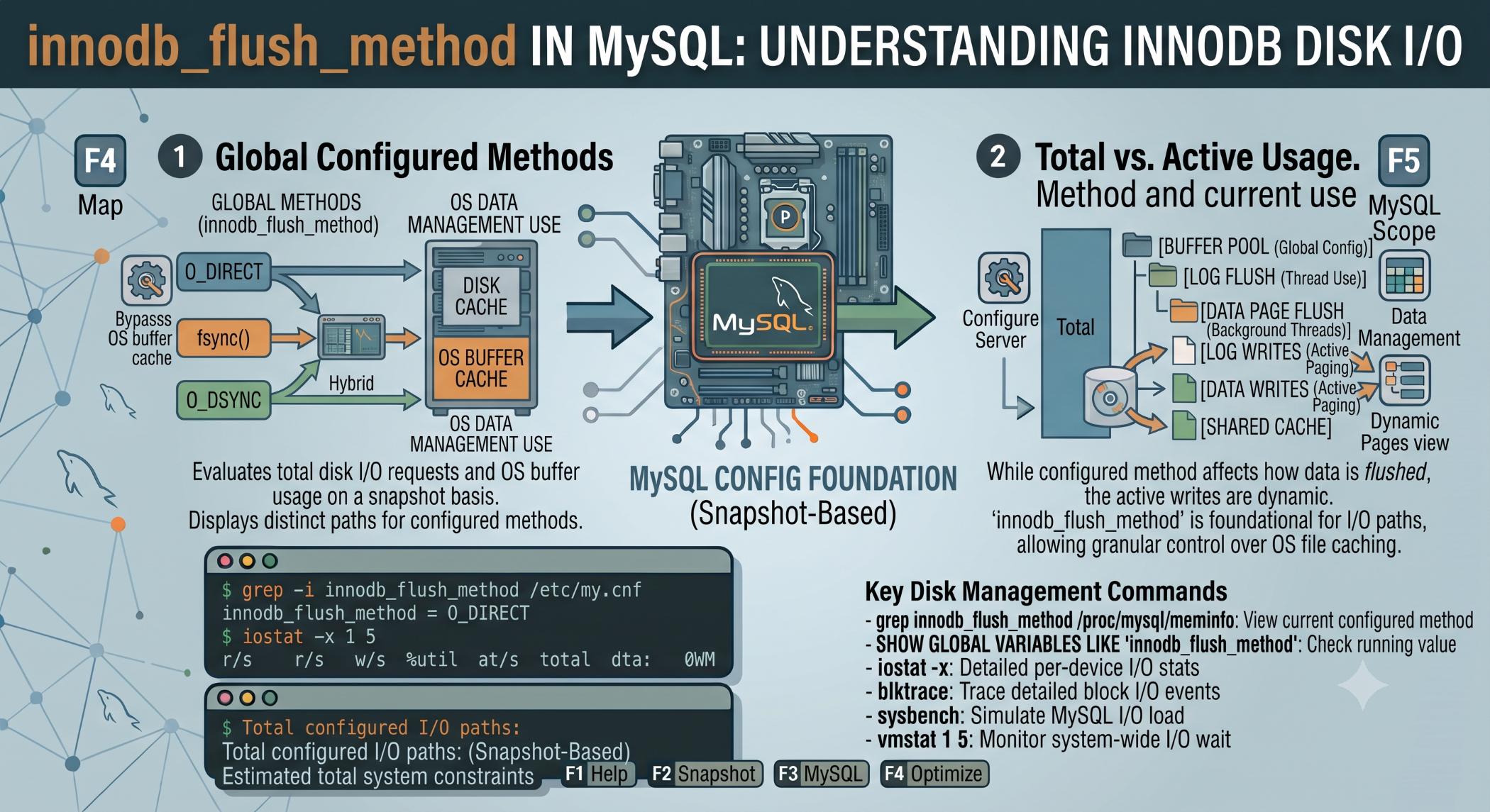
Database performance depends heavily on how efficiently data is read from and written to storage. For MySQL databases using InnoDB, the innodb_flush_method variable controls how InnoDB flushes data and log files to storage. (dev.mysql.com)
Choosing an appropriate setting can influence both I/O performance and database reliability.
What Is innodb_flush_method?
You can check the current setting with:
SHOW VARIABLES LIKE 'innodb_flush_method';On Unix-like systems, MySQL 8.0 uses fsync as the default, while Windows uses unbuffered. (dev.mysql.com)
Common Options
fsync
innodb_flush_method=fsyncWith fsync, InnoDB uses the fsync() system call to flush data and log files. It is the default on Unix-like systems in MySQL 8.0. (dev.mysql.com)
O_DIRECT
innodb_flush_method=O_DIRECTO_DIRECT can reduce double buffering between the InnoDB buffer pool and the operating-system filesystem cache. MySQL notes that it can be beneficial on some systems, including certain configurations with hardware RAID and battery-backed write caches. (dev.mysql.com)
O_DSYNC
O_DSYNC is another Unix option that controls how writes and synchronization are performed. Its performance characteristics depend on the storage system and workload.
Choosing the Right Setting
There is no universal setting that is fastest for every server.
Performance can depend on:
- SSD or HDD storage
- SAN or local storage
- RAID configuration
- Hardware write cache
- Read/write workload
- Operating system
MySQL specifically recommends benchmarking the configuration with hardware and workload representative of production. (dev.mysql.com)
Check Before Changing the Setting
Before modifying innodb_flush_method, understand your current storage architecture and database workload.
A change that improves performance on one server may perform worse on another. Monitor database I/O and performance after making any change.
You can also review the Innodb_data_fsyncs status variable to understand the number of filesystem flush operations. (dev.mysql.com)
Best Practices
Keep the default setting unless testing demonstrates a clear benefit from changing it. Always benchmark changes in an environment similar to production and consider both performance and durability requirements.
Avoid copying tuning recommendations from another server without evaluating the differences in hardware, storage, workload, and MySQL version.
Conclusion
innodb_flush_method is an important MySQL setting for controlling InnoDB disk I/O behavior. Options such as fsync, O_DIRECT, and O_DSYNC can behave differently depending on the underlying storage environment.
The best approach is to measure, benchmark, and validate rather than assuming one option is universally better.