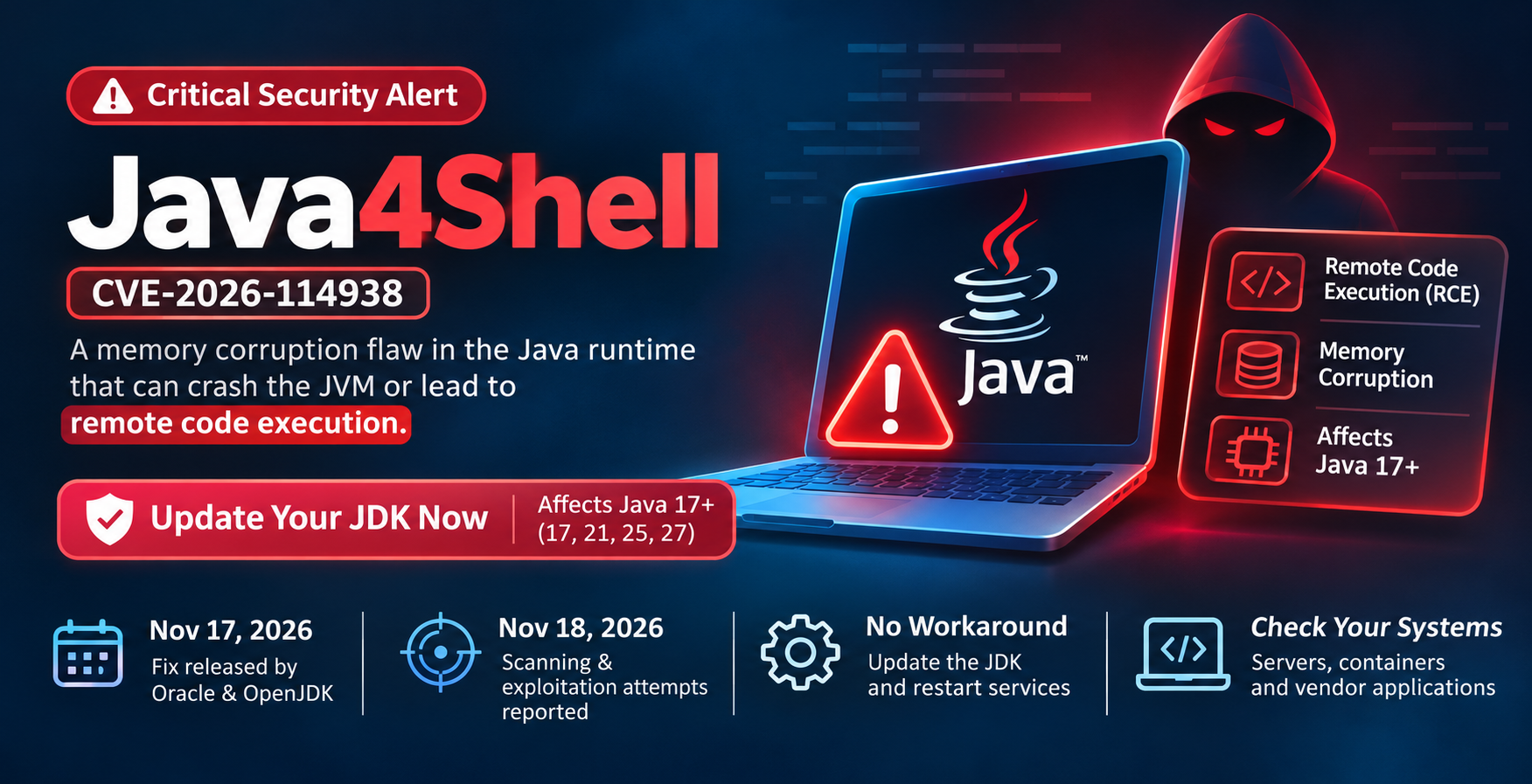
If your applications run on Java 17 or later, update your JDK now. On November 17, 2026, Oracle and the OpenJDK Vulnerability Group fixed CVE-2026-114938, a memory corruption flaw in the Java runtime that researchers have named Java4Shell. Specially crafted input can crash the JVM and, under certain conditions, let an unauthenticated attacker run code remotely.
CISA urged organizations to patch immediately, and scanning and exploitation attempts were reported within a day of the fix. In this guide we explain how the flaw works, how to check whether your servers are exposed, and how to fix it. We also cover how the team at Solace Infotech can help if your Java estate is larger than you can audit by hand.
What is Java4Shell (CVE-2026-114938)?
Java4Shell is a heap-based buffer overflow in the hardware-accelerated Base64 decoder used by the x86-64 HotSpot JVM. Base64 decoding is everywhere in Java applications: authentication tokens, file uploads, API payloads and email attachments all rely on it. If untrusted data reaches java.util.Base64's basic or URL decoder on a vulnerable machine, a crafted payload can corrupt memory.
The severity ratings differ depending on who you ask:
|
Source |
Rating |
Why it matters |
|---|---|---|
|
Oracle |
High, CVSS 8.1 |
High attack complexity lowers the score |
|
CISA |
Critical, patch immediately |
Unauthenticated remote code execution is possible |
|
Calif (researchers) |
Remote code execution demonstrated |
Showed attacks on several popular Java applications |
The timeline shows how fast this moved:
- November 13: Chainguard independently found the same bug by fuzzing.
- November 17: Oracle and OpenJDK released fixes, and CISA issued its alert.
- November 18: GreyNoise began reporting scanning and exploitation attempts.
- November 21: No confirmed compromise had been reported, but government alerts were out from CISA, the Canadian Cyber Centre, CERT-EU and Singapore's CSA.
The same update fixes ten JDK vulnerabilities in total, so patching covers the others too.
Is your Java installation affected?
The vulnerable code is in Java 17.0.6 and later, and in Java 21, 25 and 27. Standard Java 8 and 11 builds are not affected by this particular flaw. The code runs only on x86-64 processors with AVX-512 VBMI support. Cisco's advisory describes the scope more broadly as x86-64 platforms, so check your own hardware rather than assuming you are safe.
This affects Oracle Java SE, GraalVM and downstream OpenJDK distributions. It also affects JDKs bundled inside third-party software. As CISA points out, Java runtimes may not appear as separate entries in your software inventory, so look inside containers, appliances and vendor applications too.
To audit a server, work through this checklist:
- List every host, container image and application that ships a JDK or JRE.
- Record the exact Java version and vendor build on each one.
- Check whether the machine's CPU supports AVX-512 VBMI.
- Identify which services pass untrusted Base64 data to Java, such as web APIs, token handlers and upload endpoints.
java -version
grep -m1 -o avx512_vbmi /proc/cpuinfo
The second command prints a match on Linux if the CPU supports AVX-512 VBMI. An empty result suggests the hardware-specific code path does not apply on that machine, but patch it anyway, since workloads move between hosts. The researchers at Calif also published a local proof of concept that tests whether a JDK is vulnerable.
How to fix Java4Shell
Updating your JDK is the only fix. Cisco states that no workarounds are available. These are the November 17 Oracle releases that carry the fix:
|
Java line |
Fixed Oracle release |
|---|---|
|
JDK 27 |
27.0.1.1 |
|
JDK 25 |
25.0.5.1 |
|
JDK 21 |
21.0.13.1 |
|
JDK 17 |
17.0.21.1 |
Other vendors such as Microsoft, Azul and Eclipse Adoptium use their own version numbers. Check your vendor's release notes for CVE-2026-114938 rather than comparing numbers with this table.
- Prioritize internet-facing services that decode untrusted Base64 data, then move to internal systems.
- Update the JDK through your vendor's package, installer or base image.
- Restart every Java process. A running JVM keeps using the old runtime until it restarts.
- Rebuild container images on a patched base image and redeploy them. Do not assume a
latesttag already includes the fix. - Ask your software vendors for updates to any product that bundles its own JDK.
- Apply Oracle's October fixes too. Oracle's November advisory asks customers to also install the fixes from its two October security alerts, CVE-2026-91403 and CVE-2026-114820.
After patching, run java -version on each host and confirm the version matches your vendor's fixed release.
How to check for attacks and reduce risk
The advisories published so far do not list specific indicators of compromise, so the points below are general guidance from our side, not vendor-confirmed signatures. Because attempts began on November 18, review the period since then on any unpatched server.
- JVM crashes: look for new
hs_err_pidcrash files or unexplained restarts of Java services. - Unexpected child processes: a Java process starting a shell or other programs it never normally runs is a red flag.
- Unusual request patterns: unusually large or malformed Base64 values in requests to your APIs, token endpoints or upload handlers.
- Outbound connections: new connections from application servers to unfamiliar hosts.
If you find signs of compromise, isolate the host, rotate any secrets it held, and rebuild it from a clean image. While you work through the patching, limit direct internet exposure of Java services that handle untrusted input, for example by placing them behind a web application firewall or reverse proxy. That reduces your risk but does not replace the update.
How Solace Infotech can help you stay ahead of Java vulnerabilities
Updating one JDK takes minutes. Finding every runtime hidden in containers, legacy services and vendor tools is the hard part. Solace Infotech, a software development company in Nashik and Pune, helps businesses keep their applications current, stable and maintainable.
- IT consulting: we help you inventory your Java runtimes, plan upgrades and avoid breaking production.
- Custom application development and product engineering: we build and maintain applications on supported runtimes.
- Hire Java developers: add experienced Java engineers to your team when patching and upgrade work piles up.
See how we have delivered for other businesses in our case studies.
Not sure which of your systems run vulnerable Java? Talk to our team and we will help you work out where you stand.
Frequently asked questions
What is Java4Shell? It is the name researchers gave CVE-2026-114938, a memory corruption flaw in OpenJDK's Base64 decoder that can lead to remote code execution.
Which Java versions are affected? Java 17.0.6 and later, plus Java 21, 25 and 27. Standard Java 8 and 11 builds are not affected by this flaw.
Is there a workaround? No. Cisco's advisory states no workarounds are available, so you need to update the JDK and restart your Java processes.
Is Java4Shell being exploited? GreyNoise reported scanning and exploitation attempts from November 18, with no confirmed compromise as of November 21. Patch before that changes.
Patch your Java servers before attackers find them
The fix is available now and attackers are already scanning. If you want help auditing your Java footprint, planning the upgrade or adding engineers to your team, contact Solace Infotech today.