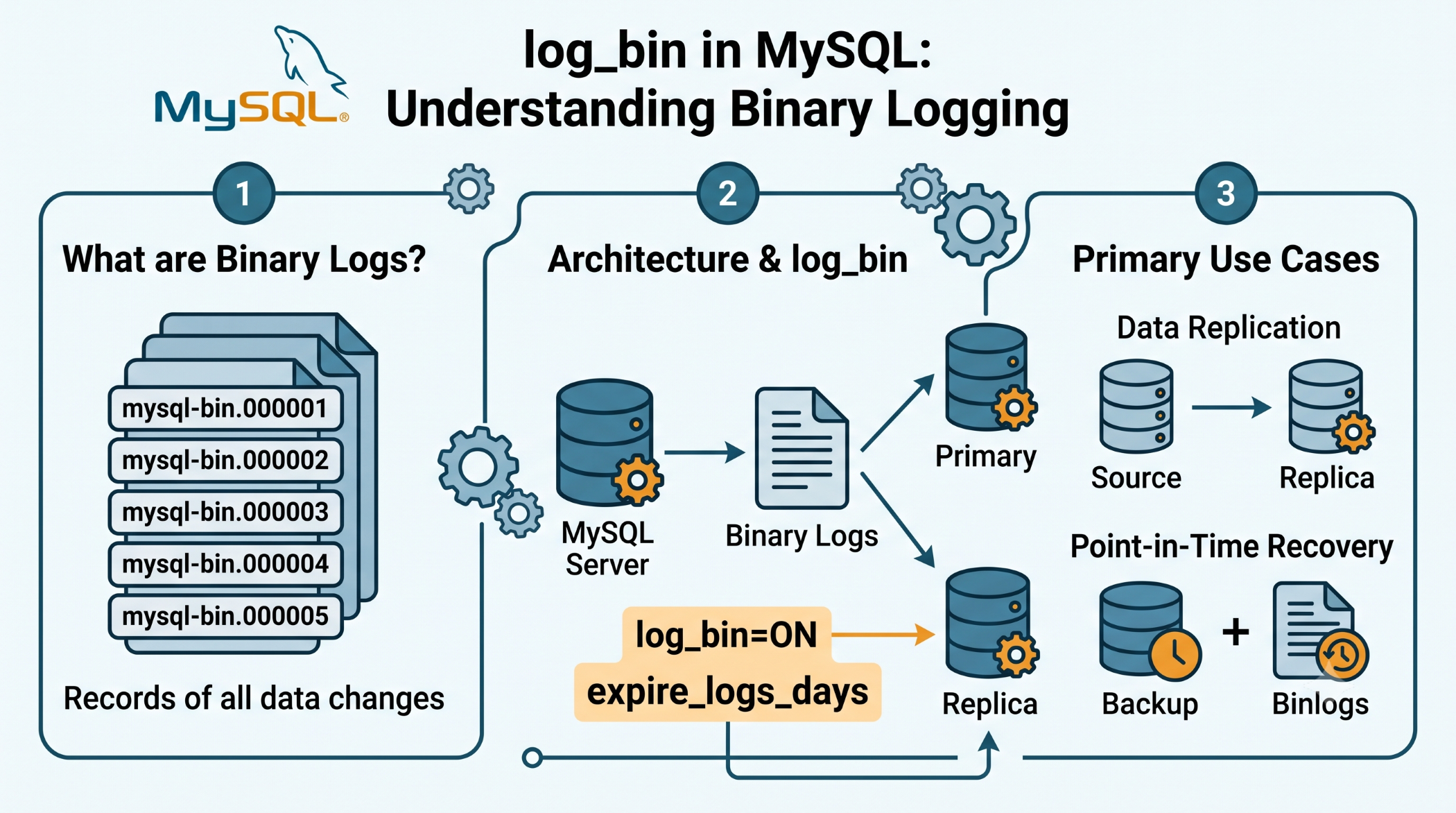
log_bin in MySQL: Understanding Binary Logging
MySQL provides binary logging to record changes made to a database. It is an important feature for database replication and recovery strategies. The log_bin system variable shows whether binary logging is enabled on the MySQL server.
What Is log_bin?
log_bin is a global, read-only system variable that indicates whether binary logging is enabled.
You can check it with:
SHOW VARIABLES LIKE 'log_bin';If the result is:
ONbinary logging is enabled. If it shows:
OFFbinary logging is disabled.
Why Is Binary Logging Important?
When binary logging is enabled, MySQL records statements or row changes that modify data in binary log files. These logs are commonly used for:
- Database replication
- Point-in-time recovery
- Auditing database changes
- Supporting backup and recovery workflows
The binary log is stored as a sequence of files with numeric extensions.
Enable Binary Logging
Binary logging can be enabled when starting MySQL with the --log-bin option:
mysqld --log-binYou can also specify a base name:
mysqld --log-bin=mysql-binThe exact configuration depends on your MySQL installation and server setup.
log_bin vs sql_log_bin
These settings are different.
log_bin indicates whether binary logging is enabled for the server.
sql_log_bin controls whether the current session writes changes to the binary log when server-level binary logging is enabled. Its default is ON.
For example:
SET SESSION sql_log_bin = OFF;This temporarily disables binary logging for that session. Care is required when using GTIDs because transactions executed with binary logging disabled are not assigned new GTIDs.
Check Binary Log Files
You can view the available binary logs with:
SHOW BINARY LOGS;You can also check the current binary log position with:
SHOW MASTER STATUS;These commands are particularly useful when configuring or troubleshooting replication.
Binary Logging and Replication
Binary logging is a fundamental component of traditional MySQL source-replica replication. Changes recorded on the source can be read by replicas and applied there.
For new MySQL replication setups, MySQL 8.4 uses row-based binary logging by default, and binlog_format is deprecated in that release.
Manage Binary Log Storage
Binary logs can grow over time, so retention should be managed carefully.
MySQL 8.4 enables automatic binary log purging by default, controlled through settings such as binlog_expire_logs_seconds.
Storage planning is important, especially on production systems with frequent database changes.
Best Practices
Keep binary logging enabled when replication or recovery requirements depend on it. Monitor binary log growth and configure appropriate retention.
Do not disable binary logging casually on a production server. In GTID-based environments, disabling it during certain restart or recovery scenarios can interfere with replication recovery.
Conclusion
The log_bin variable provides a simple way to determine whether MySQL binary logging is enabled. Binary logs are valuable for replication, recovery, and database change management.
Understanding log_bin, sql_log_bin, binary log retention, and replication gives database administrators a stronger foundation for managing reliable MySQL environments.