MySQL Performance: Practical Ways to Improve Database Speed
MySQL performance becomes increasingly important as an application grows. More users, larger datasets, and complex queries can increase database load and slow down an application.
Improving performance is not about changing one setting. It requires looking at database design, SQL queries, indexes, memory, and server resources together. MySQL documentation also recommends measuring performance before and after optimization rather than relying on assumptions.
Optimize SQL Queries
Poorly written queries can become a major performance bottleneck.
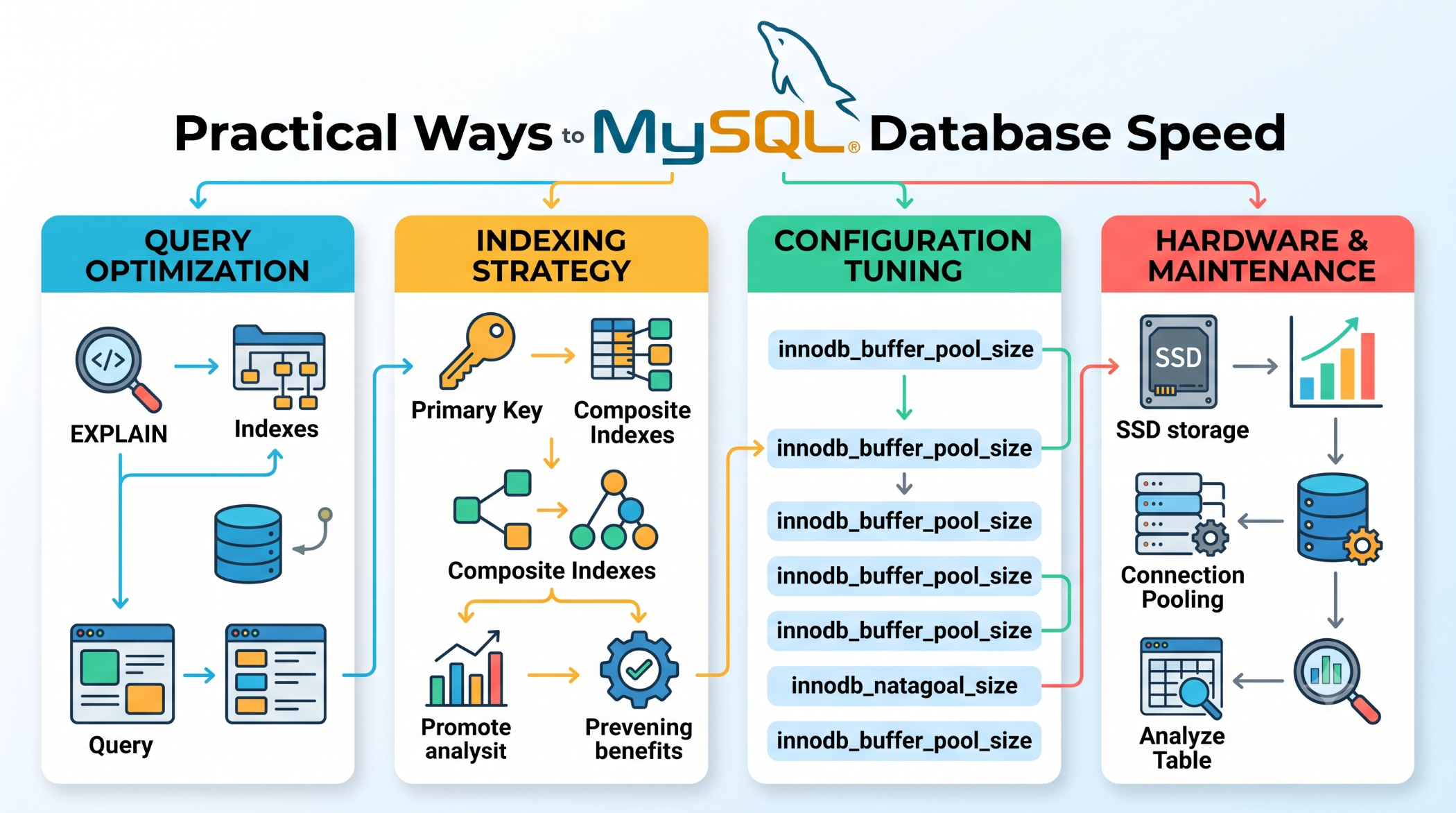
Avoid unnecessary columns and operations, and review queries that scan large amounts of data. The EXPLAIN statement can help you understand how MySQL executes a query and whether appropriate indexes are being used.
EXPLAIN
SELECT id, name
FROM users
WHERE email = 'john@example.com';
Use the Right Indexes
Indexes can significantly improve queries that search or filter data.
For example:
CREATE INDEX idx_users_email
ON users(email);
Indexes should be chosen carefully. Too many indexes increase storage requirements and can add overhead to write operations. MySQL recommends creating indexes that efficiently support the queries used by the application.
Optimize Database Structure
Good database design is one of the most important foundations of performance.
Choose appropriate data types, avoid unnecessarily large columns, and design tables according to how the application actually reads and writes data. Smaller tables and indexes can reduce storage and I/O requirements.
Optimize Memory Usage
MySQL uses memory for caches and buffers to improve database performance. For InnoDB databases, the buffer pool stores frequently accessed table and index data in memory.
Configuration settings such as:
innodb_buffer_pool_size
innodb_log_buffer_size
max_connections
should be reviewed according to the server's workload and available resources.
Monitor Database Connections
Too many simultaneous connections can consume significant server resources.
Monitor connection usage and investigate connection leaks, inefficient application behavior, and unnecessarily long-running sessions before simply increasing max_connections.
Monitor and Measure Performance
Optimization should always be based on measurement.
Monitor query execution time, CPU usage, memory consumption, disk I/O, and connection activity. Benchmark important changes using a workload that resembles production because performance improvements can vary significantly between environments.
Best Practices for MySQL Performance
- Optimize frequently executed queries.
- Add indexes based on real query requirements.
- Keep table structures efficient.
- Configure memory according to workload.
- Monitor server resources regularly.
- Use
EXPLAINwhen investigating slow queries. - Benchmark changes before applying them to production.
Conclusion
MySQL performance is the result of several interconnected factors. Efficient SQL, appropriate indexes, good database design, proper memory configuration, and continuous monitoring can significantly improve application responsiveness.
The most important principle is to measure first, optimize the actual bottleneck, and validate the result rather than changing database settings blindly.