

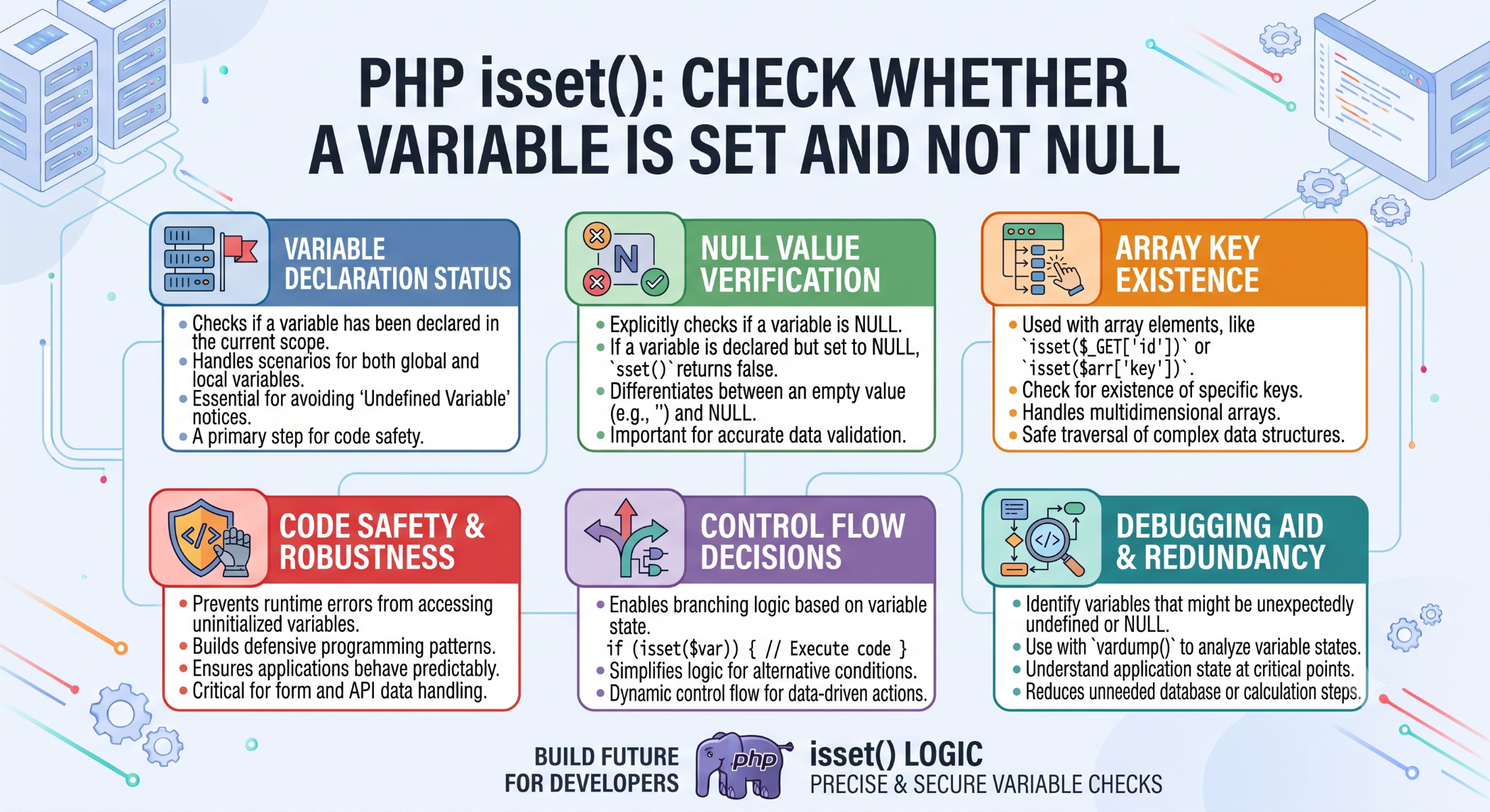
PHP isset(): Check Whether a Variable Is Set and Not Null
When developing PHP applications, developers often need to determine whether a variable exists before using it. The isset() function provides a simple way to check whether a variable has been declared and is not null.
It is frequently used with form data, arrays, session values, request parameters, and optional application settings.
What Is isset() in PHP?
The isset() function checks whether a variable is set and its value is not null.
For example:
$name = "John";

if (isset($name)) {
    echo "Name is available.";
}
The condition returns true because $name exists and contains a non-null value.
isset() With Form Data
A common use of isset() is checking whether a form field has been submitted.
if (isset($_POST['email'])) {
    $email = $_POST['email'];

    echo $email;
}
This prevents the application from trying to access a missing array key without first checking whether it exists.
However, isset() only checks whether the value is set and non-null. Input should still be validated and sanitized according to the application's requirements.
isset() With Arrays
You can also use isset() to check whether an array element exists and is not null.
$user = [
    'name' => 'John',
    'email' => 'john@example.com'
];

if (isset($user['email'])) {
    echo $user['email'];
}
This is useful when working with optional array keys.
Checking Multiple Variables
PHP allows isset() to check multiple variables:
$a = 10;
$b = 20;

if (isset($a, $b)) {
    echo "Both variables are set.";
}
The expression returns true only when all specified variables are set and not null.
isset() and null
Consider:
$value = null;

var_dump(isset($value));
The result is:
bool(false)Although the variable has been declared, its value is null, so isset() returns false.
isset() vs empty()
These functions serve different purposes.
isset() checks whether a variable exists and is not null.
empty() checks whether a value is considered empty according to PHP's rules.
For example:
$value = 0;

var_dump(isset($value)); // true
var_dump(empty($value)); // true
This difference is important when handling valid values such as 0, false, or an empty string.
isset() vs array_key_exists()
There is also an important difference between isset() and array_key_exists().
$data = [
    'name' => null
];

var_dump(isset($data['name']));
var_dump(array_key_exists('name', $data));
isset() returns false because the value is null.
array_key_exists() returns true because the key itself exists in the array.
Choose the function based on whether you need to check the value or the existence of the key.
Why Use isset()?
isset() is useful for:
- Checking optional variables.
- Validating the presence of form fields.
- Checking session values.
- Testing array elements.
- Avoiding access to missing variables or keys.
It can make conditional logic safer and easier to read.
Best Practices
Use isset() when you need to confirm that a variable or array element is available and not null. Do not use it as a replacement for proper input validation.
For user-submitted data, always validate the value after confirming it exists.
Conclusion
The PHP isset() function is a simple but essential tool for checking whether variables or array values are available and not null.
It is especially useful when working with forms, arrays, sessions, and optional application data. Understanding how isset() differs from empty() and array_key_exists() helps developers choose the right validation approach for each situation.


