

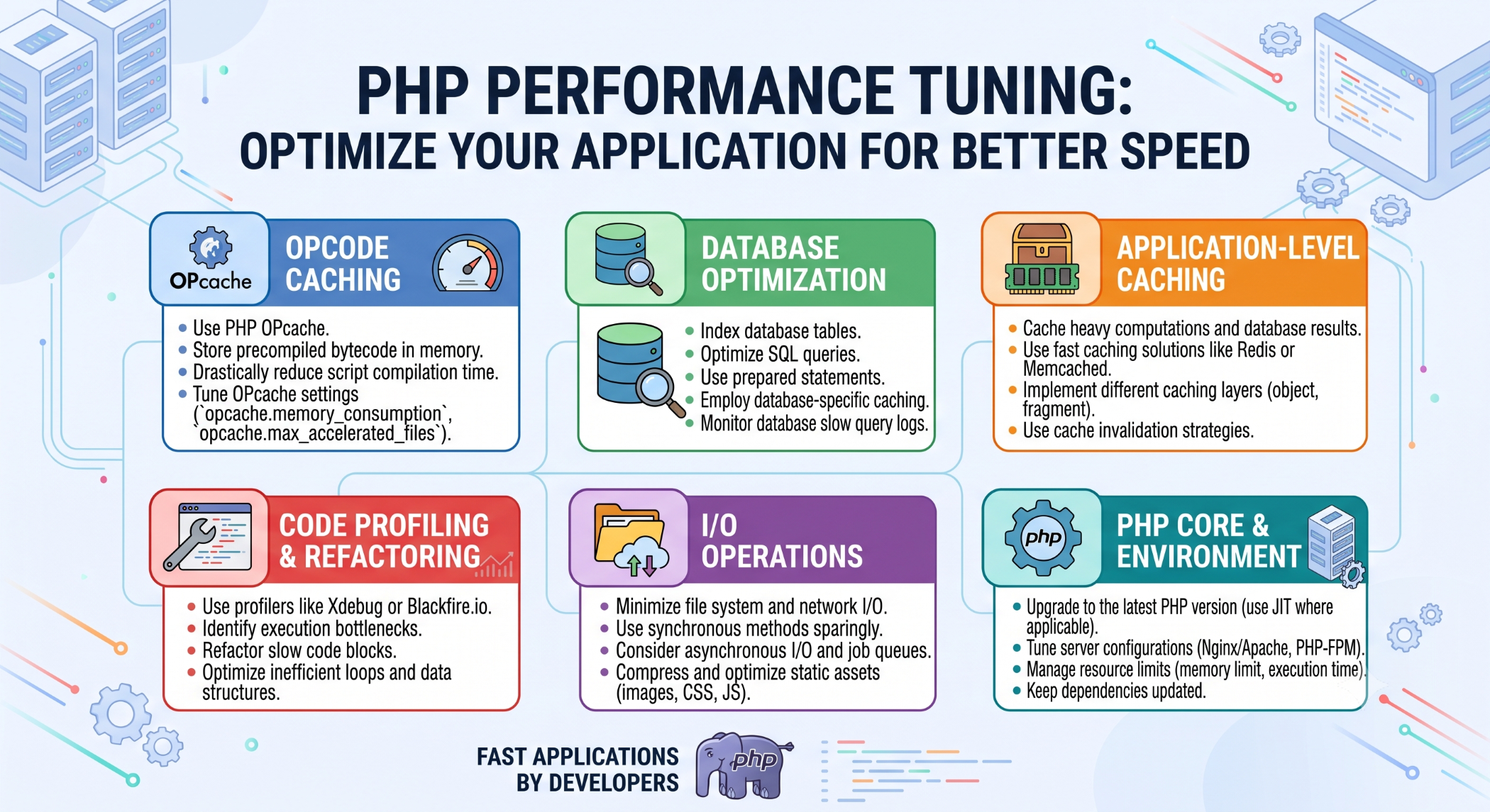
PHP Performance Tuning: Optimize Your Application for Better Speed
As a PHP application grows, performance can become an important concern. More users, larger datasets, complex business logic, and additional integrations can increase server load and slow down application response times.
PHP performance tuning focuses on identifying actual bottlenecks and improving the parts of the application that have the greatest impact on performance.
Optimize PHP Code
Clean and efficient code can reduce unnecessary processing.
Avoid repeated calculations, unnecessary function calls, and inefficient loops. Reuse values when the same computation is required multiple times.
For example:
$total = calculateTotal($items);

// Reuse $total instead of recalculating it
echo $total;
Readable code should remain a priority while optimizing. Performance improvements should not make the application unnecessarily difficult to maintain.
Optimize Database Queries
Database operations are often a major source of application delays.
Retrieve only the data required by the application:
SELECT id, name, email
FROM users
WHERE status = 'active';
Avoid unnecessary SELECT * queries, review slow queries, and create indexes based on actual query patterns.
For complex queries, use database profiling and tools such as EXPLAIN to understand execution plans.
Use Caching
Caching can reduce repeated processing and database requests.
Depending on the application, caching can be used for:
- Frequently accessed database results
- API responses
- Application configuration
- Rendered content
- Expensive calculations
Choose an appropriate cache strategy and ensure that frequently changing information is invalidated correctly.
Optimize PHP Configuration
PHP configuration can also affect application performance.
Keep PHP and its runtime components properly maintained, configure appropriate memory limits, and use a production-oriented configuration.
For larger applications, PHP OPcache can improve performance by caching precompiled PHP bytecode in shared memory, reducing the need to load and compile scripts repeatedly.
Minimize External Requests
Applications often communicate with payment gateways, APIs, cloud services, and other external systems.
Unnecessary external requests can increase response times.
Where appropriate, combine requests, cache external data, use asynchronous processing for background work, and implement sensible timeouts.
Optimize Static Assets
PHP may generate the HTML response, but browser performance also depends on CSS, JavaScript, images, and fonts.
Compress and optimize assets, use browser caching, and consider a CDN for static content when users are distributed across different geographic locations.
Monitor Application Performance
Performance tuning should be based on measurements rather than assumptions.
Monitor:
- Response time
- CPU utilization
- Memory usage
- Database query time
- PHP execution time
- External API latency
Profiling tools and application monitoring can help identify the operations that actually require optimization.
Scale When Optimization Is Not Enough
Sometimes a single server cannot efficiently handle increasing traffic even after application optimization.
Depending on the architecture, scaling options may include:
Application Optimization
        ↓
Caching
        ↓
Database Optimization
        ↓
Load Balancing / Horizontal Scaling
Scaling should follow measured requirements rather than being introduced prematurely.
Best Practices
Optimize the biggest bottleneck first. Use profiling to identify expensive operations, keep database queries efficient, use caching appropriately, maintain PHP and its dependencies, and test performance under realistic workloads.
Make one major optimization at a time and measure the result so you can understand its actual impact.
Conclusion
PHP performance tuning is a continuous process involving code efficiency, database optimization, caching, runtime configuration, external services, and server infrastructure.
The most effective approach is to measure application behavior, identify the real bottleneck, apply a targeted improvement, and validate the result.
A well-tuned PHP application can provide faster response times, better resource utilization, and a stronger foundation for future growth.


