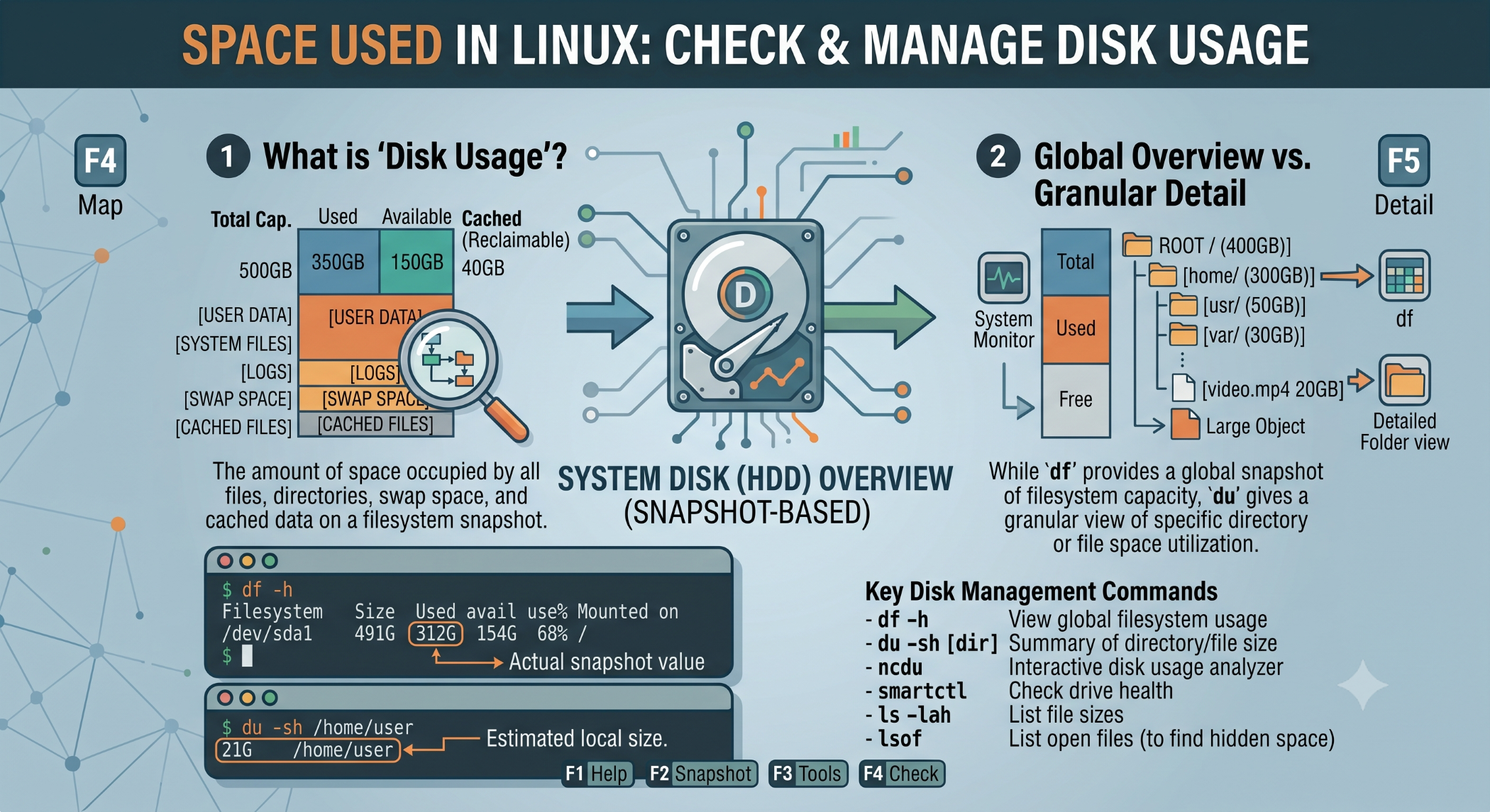
Space Used in Linux: Check and Manage Disk Usage
Disk space is an important resource on Linux servers. Applications generate logs, store files, create temporary data, and continuously consume storage. Monitoring space used helps prevent problems caused by a full filesystem.
Linux provides several built-in commands for checking and analyzing disk usage.
Check Available and Used Space
The df command provides an overview of disk space used and available on mounted filesystems.
df -hThe -h option displays the values in a human-readable format such as GB and MB.
The output helps you identify filesystems that are approaching their storage limits.
Find Space Used by Directories
The du command is useful when you need to find which directories are consuming disk space.
du -sh /var/logHere, -s provides a total and -h makes the output easier to read.
To examine directories within a location:
du -h --max-depth=1 /varThis can help narrow down the source of high disk usage.
Find Large Files
You can use du together with sort to identify larger files and directories:
du -ah /var | sort -hThis is useful when troubleshooting a server with limited available storage.
Why Monitor Space Used?
Regular disk-space monitoring can help prevent:
- Application failures
- Log-writing problems
- Database issues
- Backup failures
- Server maintenance problems
Keeping an eye on storage is especially important for production servers that continuously generate logs or receive uploaded files.
Best Practices
Check disk usage regularly and investigate files or directories that grow unexpectedly. Remove unnecessary data only after confirming it is safe to delete.
Using df -h to check overall filesystem capacity and du to investigate individual directories provides a practical approach to Linux storage management.
Conclusion
Understanding space used on Linux systems is essential for effective server administration. Commands such as df -h and du -sh make it easy to monitor storage and identify areas consuming significant space.
Regular monitoring and careful cleanup can help maintain reliable Linux servers and prevent storage-related issues.