

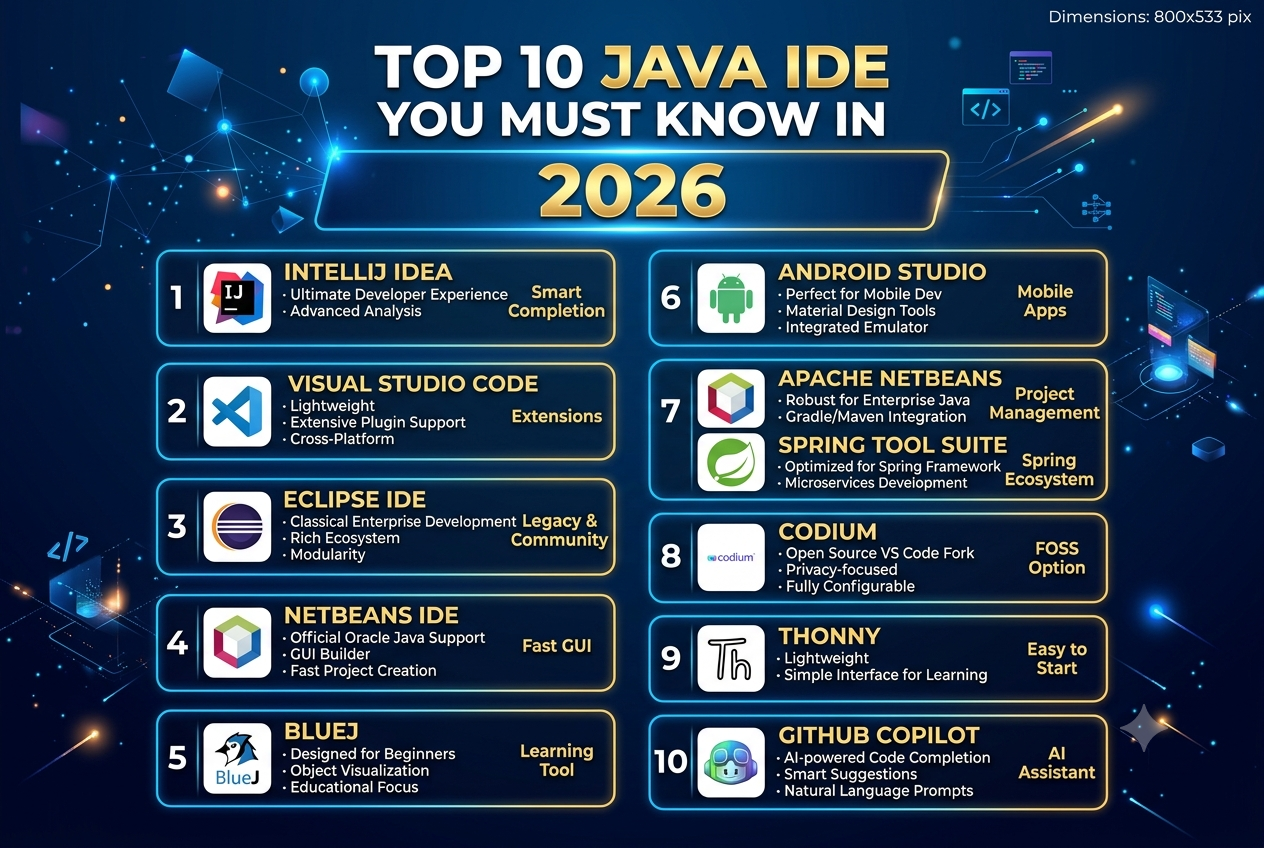
Top 10 Java IDE You Must Know In 2026
Java remains widely used for enterprise applications, backend systems, Android development, cloud platforms, and large-scale software projects. The right IDE can make development faster by providing intelligent code completion, debugging, refactoring, testing, and build-tool integration.
Here are 10 Java IDEs and development environments worth knowing in 2026.
1. IntelliJ IDEA
IntelliJ IDEA is one of the most feature-rich Java development environments. It provides intelligent code completion, debugging, refactoring, testing, Maven and Gradle integration, and support for the latest Java versions, including Java 27.
2. Eclipse IDE
Eclipse is a long-established open-source IDE widely used for Java development. It provides extensive plugin support and tools for enterprise, web, and desktop application development.
3. Apache NetBeans
Apache NetBeans is an open-source IDE supporting Java and several other programming languages. It provides code editing, debugging, project management, and integration with common Java development workflows.
4. Visual Studio Code
Visual Studio Code is a lightweight editor that can be configured as a Java development environment using extensions. In 2026, JetBrains also introduced a preview Java and Kotlin extension that brings IntelliJ's language intelligence to VS Code and related editors.
5. Cursor
Cursor is an AI-focused code editor that can be used for Java development. It is particularly useful for developers who want AI-assisted coding, code explanations, refactoring assistance, and agent-based development workflows.
6. Spring Tools
Spring Tools is designed specifically for developers working with the Spring ecosystem. It provides features that simplify development of Spring Boot and enterprise Java applications.
7. JDeveloper
Oracle JDeveloper is an IDE designed for Java and Oracle-oriented application development. It provides tools for building, debugging, and managing enterprise applications.
8. BlueJ
BlueJ is a lightweight Java development environment designed primarily for learning and teaching Java. Its simple interface makes it suitable for beginners and educational environments.
9. DrJava
DrJava is a lightweight Java IDE focused on simplicity. It can be useful for students and developers who want a straightforward environment for writing and testing Java programs.
10. JGrasp
jGRASP is a lightweight development environment that supports Java and provides features such as source-code visualization, debugging, and basic development tools.
How To Choose A Java IDE
When selecting a Java IDE, consider:
- Java version support
- Code completion and refactoring
- Debugging capabilities
- Maven and Gradle support
- Spring and framework integration
- Git integration
- Testing tools
- AI-assisted development
- Performance with large projects
- Team and enterprise requirements
For large enterprise Java projects, advanced IDE features can be particularly useful, while beginners may prefer simpler environments.
Conclusion
Java developers have many IDE options in 2026, ranging from full-featured environments such as IntelliJ IDEA and Eclipse to lightweight editors such as VS Code and AI-focused tools such as Cursor. The right choice depends on the project's size, Java framework, development workflow, and individual developer requirements.


