

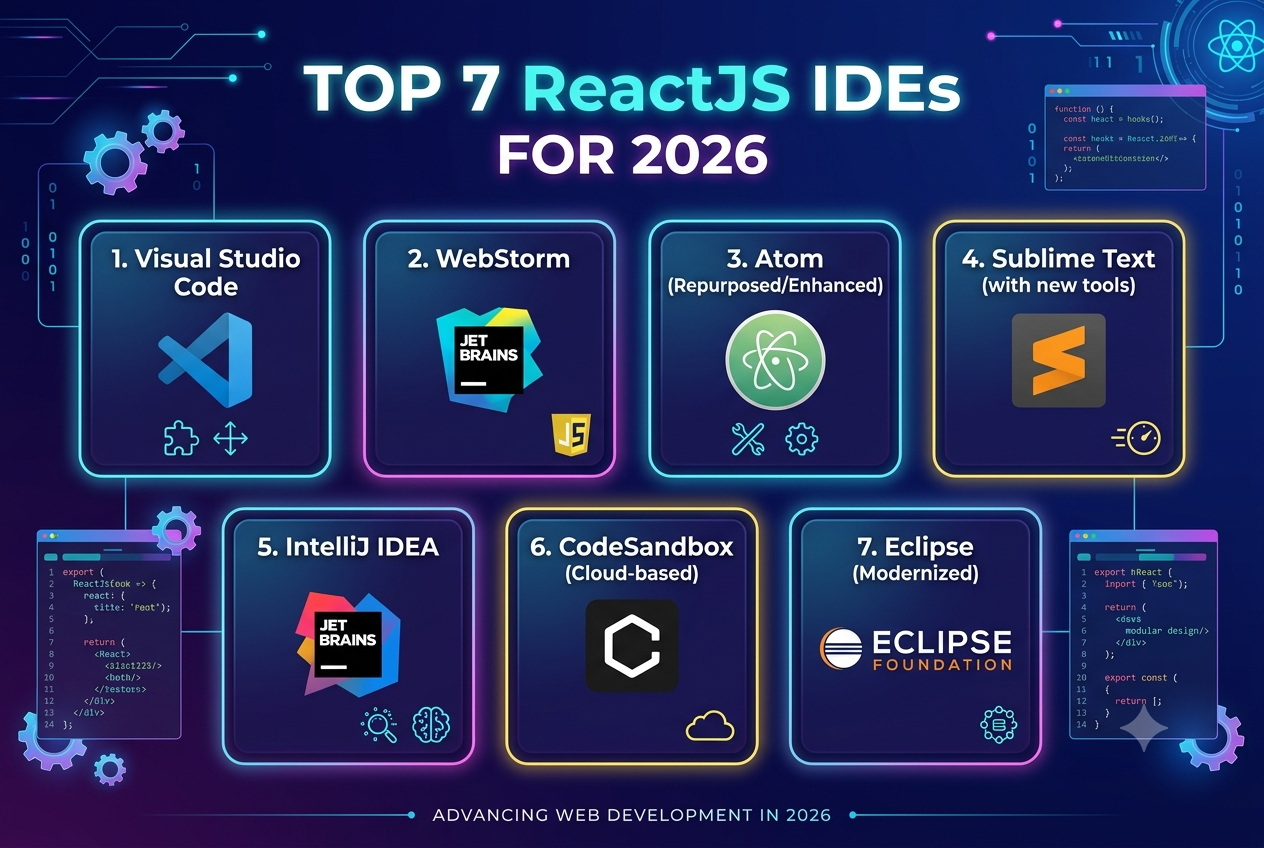
Top 7 ReactJS IDEs For 2026
ReactJS has become a popular choice for building modern, interactive web applications. As React projects become larger and more complex, developers need development environments that provide efficient code completion, debugging, Git integration, TypeScript support, extensions, testing capabilities, and intelligent coding assistance.
The right IDE or code editor can improve productivity by helping developers write cleaner code, identify problems earlier, navigate large codebases, and manage development workflows more efficiently. React's official documentation recommends editors such as Visual Studio Code and WebStorm, while other configurable editors can also support JSX and TypeScript development.
Here are seven ReactJS IDEs and code editors worth considering in 2026.
1. Visual Studio Code
Visual Studio Code is one of the most widely used development environments for ReactJS. It provides built-in JavaScript and TypeScript capabilities, React IntelliSense, code navigation, debugging, Git integration, and a large extension ecosystem.
Key Features
React and JSX support
JavaScript and TypeScript IntelliSense
Git and GitHub integration
Integrated terminal
Debugging tools
ESLint and Prettier integration
Large extension marketplace
Customizable interface
VS Code is particularly useful for developers who want a lightweight editor that can be customized according to their technology stack.
2. WebStorm
WebStorm is a dedicated JavaScript and TypeScript IDE from JetBrains with extensive support for React development.
It provides code completion, navigation, debugging, linting, refactoring, testing, Git integration, and support for modern JavaScript frameworks. WebStorm also provides React-specific assistance for JSX, components, props, events, and project navigation.
Key Features
Advanced React and JSX support
TypeScript support
Intelligent code completion
Refactoring tools
Integrated debugging
Git and GitHub integration
ESLint and Prettier support
AI-assisted development
Built-in terminal and development tools
WebStorm 2026.2 also includes TypeScript 7 support, native GitHub Copilot integration, and improved React tooling.
3. Cursor
Cursor is an AI-focused code editor designed to provide AI-assisted software development directly within the coding environment.
For React developers, AI assistance can help with generating components, explaining existing code, suggesting changes, debugging, and refactoring.
Key Features
AI-assisted coding
Code generation
Context-aware suggestions
Codebase understanding
Refactoring assistance
Natural-language interaction
Support for JavaScript and TypeScript projects
Cursor can be particularly useful for developers who want AI assistance integrated into their everyday React development workflow.
4. Sublime Text
Sublime Text is a lightweight and highly responsive code editor that supports modern web development.
React developers can use it for JavaScript, JSX, TypeScript, HTML, and CSS development with appropriate packages and configuration. React's documentation also lists Sublime Text among editors used by the React community.
Key Features
Fast performance
JSX support
TypeScript support
Syntax highlighting
Code completion
Multiple selections
Customizable packages
Cross-platform availability
Sublime Text can be useful for developers who prioritize speed and simplicity over a large integrated development environment.
5. IntelliJ IDEA
IntelliJ IDEA can also be used for React development, particularly in organizations working with both frontend and backend technologies.
Its React support includes editing, linting, running, debugging, and maintaining React applications. It can also work with JavaScript, TypeScript, React, and Vite through its development tooling.
Key Features
React and JSX support
JavaScript and TypeScript
Code inspection
Debugging
Version control integration
Database and backend development capabilities
Project navigation
Vite integration
IntelliJ IDEA can be useful for full-stack teams that want frontend and backend development capabilities within the same environment.
6. Vim
Vim is a highly configurable text editor that can be customized for React and JavaScript development.
Although it requires more configuration than many modern IDEs, experienced developers can create an efficient React development environment using plugins, language servers, formatting tools, and debugging integrations.
Key Features
Extremely customizable
Keyboard-focused workflow
Fast editing
Plugin ecosystem
JavaScript and TypeScript support through configuration
Git integration
Lightweight environment
Vim can be a strong choice for experienced developers who prefer a keyboard-driven workflow and want complete control over their development environment.
7. Zed
Zed is a modern code editor designed around speed, collaboration, and AI-assisted development.
For React developers, Zed can provide a lightweight environment for JavaScript and TypeScript development while supporting modern coding workflows.
Key Features
Fast startup and editing
AI-assisted development
Collaborative workflows
Modern interface
Language tooling
Git support
JavaScript and TypeScript development
Zed is worth considering for developers who want a modern alternative to traditional editors and are comfortable with a newer development ecosystem.
Important Features To Look For In A ReactJS IDE
Choosing an IDE should not be based only on popularity. The development environment should match the project's technical requirements and the developer's workflow.
React and JSX Support
The IDE should understand JSX syntax, React components, props, hooks, and modern React development patterns.
TypeScript Support
TypeScript is widely used in modern React applications. Strong type checking, autocomplete, navigation, and refactoring can become especially important as applications grow.
Debugging
An effective debugger helps developers identify runtime problems without relying entirely on console logs.
Git Integration
Built-in Git functionality makes it easier to manage branches, review changes, resolve conflicts, and collaborate with other developers.
Code Quality Tools
Integration with ESLint, formatting tools, and testing frameworks can help teams maintain consistent and reliable code. React's documentation specifically recommends using linting tools such as ESLint to identify problems while writing code.
AI Development Features
AI-assisted development has become an increasingly common part of modern IDEs. Features such as code generation, contextual suggestions, refactoring assistance, and code explanations can reduce repetitive development work.
How To Choose The Right ReactJS IDE
The best choice depends on the project's requirements and the developer's workflow.
For flexible development: Visual Studio Code provides extensive customization and a large extension ecosystem.
For an integrated JavaScript IDE: WebStorm provides extensive React, JavaScript, and TypeScript tooling out of the box.
For AI-assisted development: Cursor and AI-enabled IDEs can provide additional coding assistance.
For lightweight development: Sublime Text and Zed offer fast editing environments.
For highly customized workflows: Vim provides extensive configuration possibilities.
For full-stack enterprise development: IntelliJ IDEA can be useful when React development needs to coexist with backend and database development.
Benefits Of Using The Right ReactJS IDE
A well-configured development environment can provide several benefits:
Faster development
Better code completion
Easier debugging
Improved code navigation
Better TypeScript development
Easier Git collaboration
Automated code quality checks
More efficient refactoring
Improved developer productivity
Better support for large projects
For enterprise React applications, these capabilities become increasingly important as the number of components, developers, dependencies, and integrations grows.
Conclusion
ReactJS developers have many development environments to choose from in 2026. Visual Studio Code, WebStorm, Cursor, Sublime Text, IntelliJ IDEA, Vim, and Zed each provide different approaches to React development.
The right choice depends on factors such as project size, TypeScript usage, team workflow, debugging requirements, AI tooling, customization needs, and development experience. Instead of choosing an IDE simply because it is popular, teams should select an environment that supports their development process and helps them build, test, debug, and maintain React applications efficiently.


