

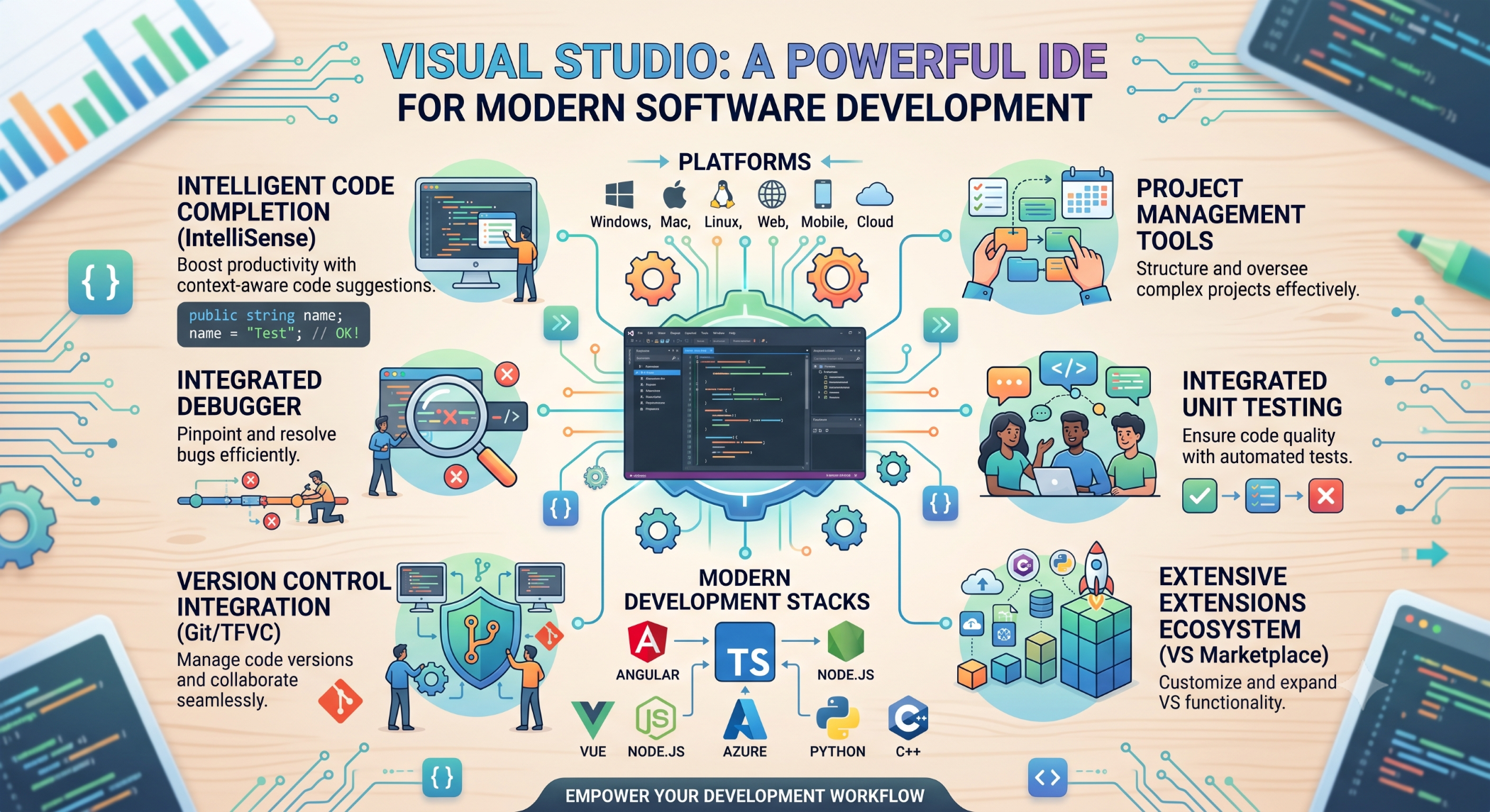
Visual Studio: A Powerful IDE for Modern Software Development
Software development requires more than a programming language. Developers need tools for writing code, debugging applications, managing projects, testing functionality, and deploying software efficiently.
Visual Studio is an integrated development environment (IDE) that brings many of these capabilities together in a single development environment.
What Is Visual Studio?
Visual Studio is Microsoft's development environment for building applications across multiple platforms and technologies.
Developers can use Visual Studio for:
Web development
Desktop applications
Cloud applications
APIs
Enterprise software
.NET development
Database development
It provides an integrated workspace where developers can write and manage source code, debug applications, run tests, and work with development projects.
Code Editor
One of the most important features of Visual Studio is its code editor.
It provides capabilities such as:
Syntax highlighting
Code completion
Code navigation
Refactoring
Error detection
IntelliSense
These features help developers write and understand code more efficiently.
Debugging
Debugging is an important part of software development. Visual Studio provides debugging tools that allow developers to inspect application behavior while the code is running.
Developers can use breakpoints, inspect variable values, step through code, and examine call stacks to identify problems.
A typical debugging process looks like:
Issue
↓
Run Application
↓
Breakpoint
↓
Inspect Variables
↓
Identify Cause
↓
Fix Code
↓
Test Again
Visual Studio and .NET
Visual Studio is closely integrated with Microsoft's .NET ecosystem.
Developers can build applications using technologies such as:
C#
.NET
ASP.NET
ASP.NET Core
VB.NET
F#
This makes Visual Studio particularly useful for enterprise applications and Microsoft-focused development environments.
Web Development
Visual Studio supports modern web application development.
Developers can work with:
HTML
CSS
JavaScript
TypeScript
ASP.NET
APIs
Frontend frameworks
A project can combine frontend technologies with a .NET backend to build complete web applications.
Database Development
Visual Studio can also be used alongside database-development tools for applications that work with SQL databases.
Developers can create application models, write queries, manage database connections, and debug data-related application problems depending on the tools and extensions being used.
Extensions
One of Visual Studio's strengths is its extensibility.
Developers can install extensions to add functionality such as:
Additional language support
Code analysis
Testing tools
Productivity features
Database tools
Version-control integrations
Extensions should be selected carefully because unnecessary extensions can add complexity to a development environment.
Version Control Integration
Visual Studio provides integration with version-control workflows, including Git.
Developers can use the IDE to:
Review file changes
Create commits
Create branches
Resolve conflicts
Synchronize repositories
Version control helps teams collaborate and maintain a history of application changes.
Testing
Visual Studio provides tools for running and managing automated tests.
Depending on the technology stack, developers can work with unit tests, integration tests, and other testing frameworks.
Automated testing helps teams identify regressions and improve confidence when making changes to large applications.
Cloud and Application Deployment
Modern development frequently involves cloud infrastructure and automated deployment.
Visual Studio integrates with Microsoft's development ecosystem and can support workflows for building and deploying applications to appropriate hosting environments.
The exact deployment process depends on the application's architecture and hosting platform.
Visual Studio vs Visual Studio Code
Visual Studio and Visual Studio Code are different products.
Visual Studio is a full-featured IDE with extensive integrated tooling, particularly for .NET and enterprise development.
Visual Studio Code is a lightweight, extensible source-code editor that can support a broad range of programming languages and development workflows through extensions.
The right choice depends on the project's technology, developer preferences, required tooling, and complexity.
Benefits of Visual Studio
Integrated Development Environment
Code editing, debugging, testing, project management, and other tools are available within one environment.
Developer Productivity
Features such as IntelliSense, refactoring, debugging, and code navigation can reduce development effort.
Strong Microsoft Ecosystem Integration
Visual Studio works particularly well with .NET, C#, Azure, and other Microsoft technologies.
Enterprise Development
Its comprehensive tooling makes it suitable for large applications with complex development and testing requirements.
Visual Studio at Solace Infotech
Visual Studio can be used as part of development workflows involving C#, .NET, web applications, APIs, enterprise software, and database-driven applications.
At Solace Infotech, the choice of development environment depends on the project's technology stack, team requirements, and development workflow.
Best Practices
Keep Visual Studio and its extensions updated, use version control consistently, and configure the IDE according to the project's technology stack.
Use debugging and profiling tools to investigate actual problems rather than relying on assumptions. Combine IDE capabilities with automated testing, code reviews, and continuous integration practices.
Conclusion
Visual Studio provides a comprehensive environment for writing, debugging, testing, and managing modern software applications.
Its strong support for .NET and Microsoft technologies, combined with powerful development and debugging tools, makes it a valuable IDE for many web, desktop, API, and enterprise projects.
The best development environment depends on the project's requirements. However, for teams working extensively with C#, .NET, and Microsoft technologies, Visual Studio can provide a productive and well-integrated development experience.


