

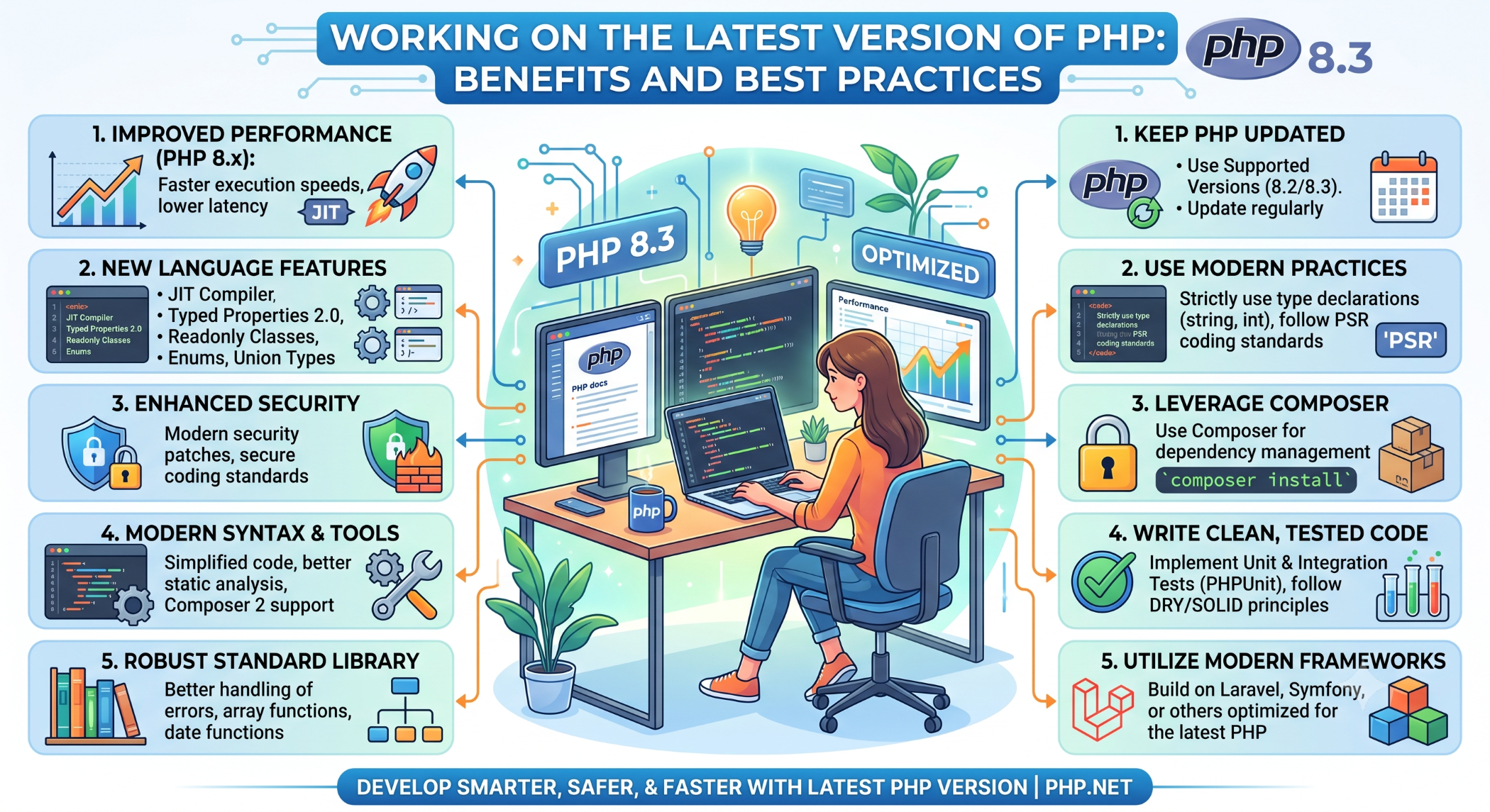
Working on the Latest Version of PHP: Benefits and Best Practices
PHP continues to evolve with improvements in performance, security, language features, and developer tooling. For businesses running PHP-based websites and applications, keeping the technology stack updated can help maintain a secure and reliable development environment.
Working with a supported and current PHP version also makes it easier to take advantage of improvements introduced in newer releases.
Why Use the Latest PHP Version?
Using a current PHP release can provide several benefits.
Better Performance
Newer PHP versions include runtime and engine improvements that can make applications more efficient. However, actual performance gains depend on the application's code, framework, database, and hosting environment.
Improved Security
Supported PHP versions continue to receive security fixes. Running an outdated version can eventually leave an application without security updates.
Modern Language Features
New PHP releases introduce language improvements that can help developers write cleaner and more expressive code.
Depending on the version, these can include improvements to type handling, error handling, syntax, object-oriented programming, and developer tooling.
Better Framework Compatibility
Modern frameworks and libraries increasingly target supported PHP versions. Keeping PHP updated can therefore make it easier to upgrade other application dependencies.
Check Your PHP Version
You can check the installed PHP version from the command line:
php -vFor a web application, the PHP version can also be checked through server configuration or hosting control-panel settings.
Knowing the current version is the first step before planning an upgrade.
Test Application Compatibility
Before upgrading production, review the application's dependencies and framework requirements.
Check:
- PHP framework version
- Composer dependencies
- PHP extensions
- Third-party libraries
- Custom code
- Database integrations
- Server configuration
Older code may rely on functionality that has been deprecated or removed in newer PHP versions.
Upgrade in a Staging Environment
Do not upgrade a critical production application without testing.
A safer process is:
Backup
  ↓
Clone to Staging
  ↓
Upgrade PHP
  ↓
Run Tests
  ↓
Fix Compatibility Issues
  ↓
Deploy to Production
  ↓
Monitor
This reduces the risk of unexpected application failures.
Review Deprecated Features
PHP regularly changes and removes functionality that is no longer recommended.
When moving between major PHP versions, review migration documentation and application logs for deprecated or incompatible code.
This is especially important for older PHP applications that have not been upgraded for several years.
Use Composer Properly
Modern PHP applications frequently use Composer for dependency management.
Before upgrading PHP, review the project's composer.json and lock file to understand which packages support the target PHP version.
After upgrading, run your application's test suite and verify that all required packages continue to work correctly.
Keep PHP and the Application Updated
Upgrading PHP once is not enough.
A better strategy is to maintain a regular update process for:
- PHP
- Frameworks
- Composer packages
- PHP extensions
- Web server components
Regular upgrades generally make future migrations easier because the application does not fall several major versions behind.
Current PHP Support
PHP has a defined supported-version lifecycle, with current branches receiving active or security support for a limited period. Teams should therefore choose a PHP version based on the project's framework compatibility and the currently supported PHP branches.
Conclusion
Working on a current PHP version can provide benefits in security, performance, maintainability, compatibility, and access to modern language features.
However, upgrading should be treated as a planned engineering activity rather than simply changing a server setting. Test the application, review dependencies, resolve deprecated functionality, and deploy gradually.
Keeping PHP current helps businesses maintain a healthier technology stack and reduces the technical debt associated with running outdated software.


