log_bin in MySQL Understanding Binary Logging
MySQL binary logging records data-changing operations and is an important foundation for replication and point-in-time recovery. Learn what log_bin means, how to check it, and why binary logging matters.
Browse insights, tutorials and updates from all our authors.
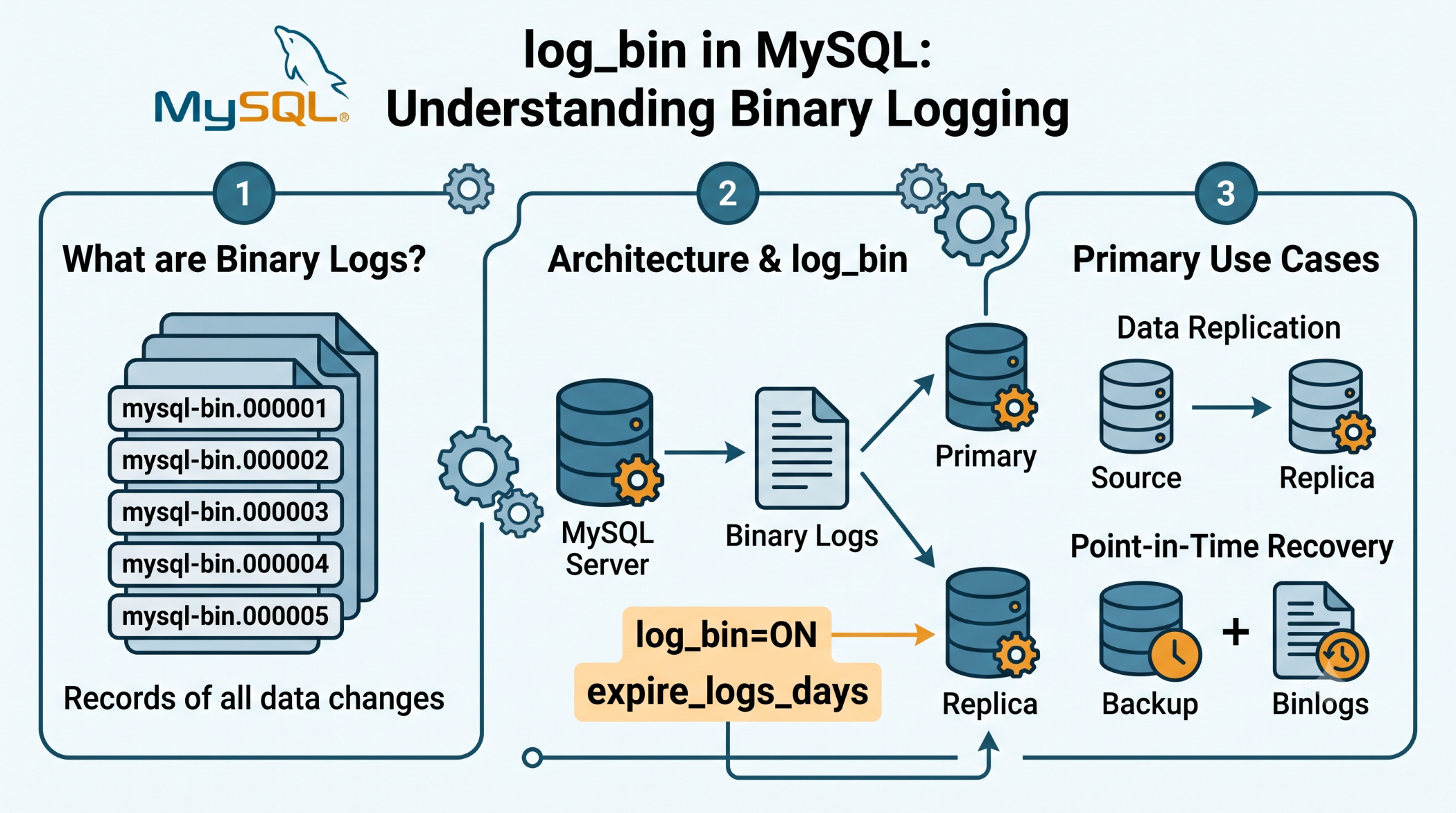
MySQL binary logging records data-changing operations and is an important foundation for replication and point-in-time recovery. Learn what log_bin means, how to check it, and why binary logging matters.
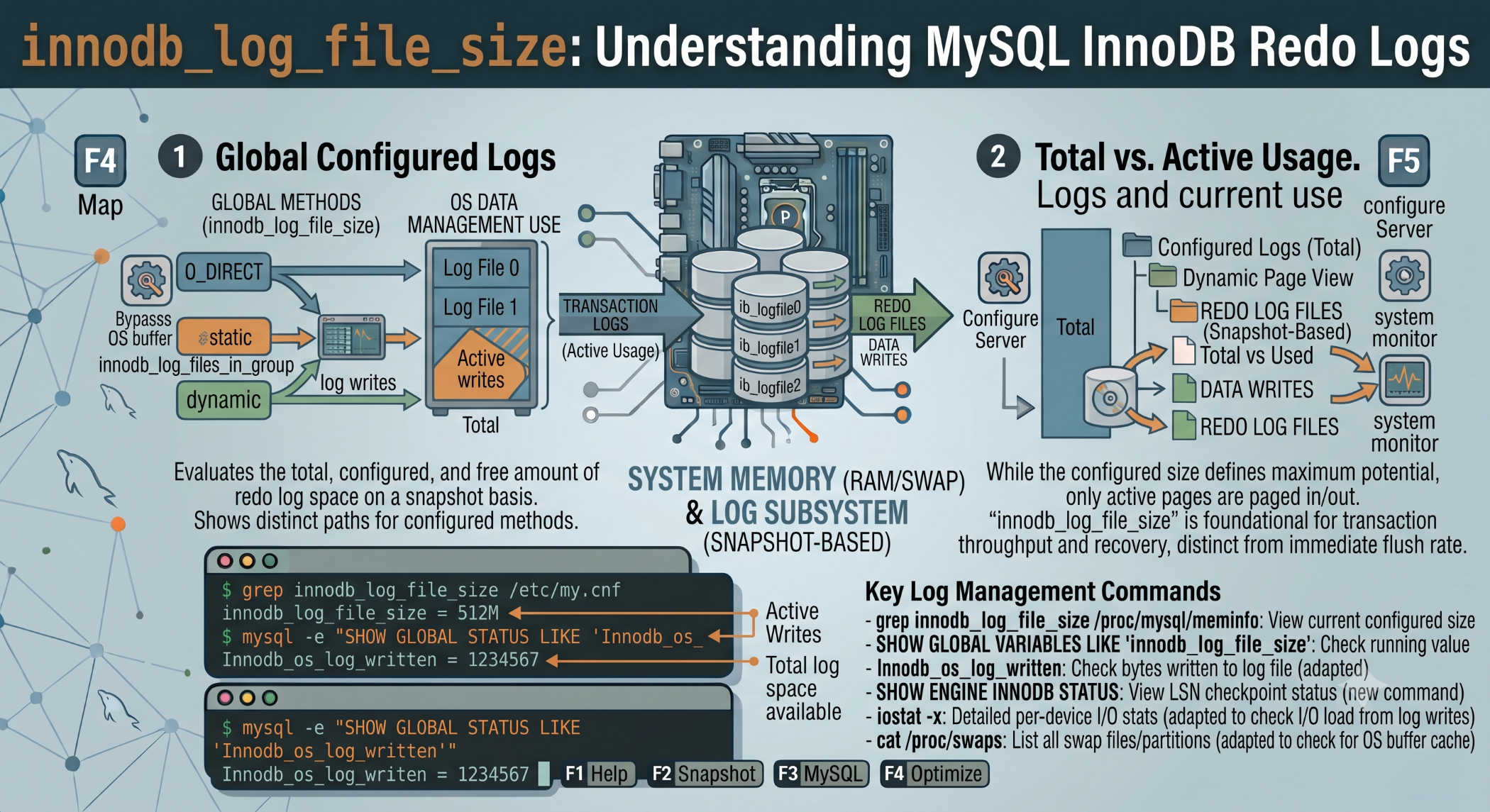
The innodb_log_file_size setting controls the size of each InnoDB redo log file. Learn why redo log sizing matters, how it affects performance and recovery, and what modern MySQL versions use instead.
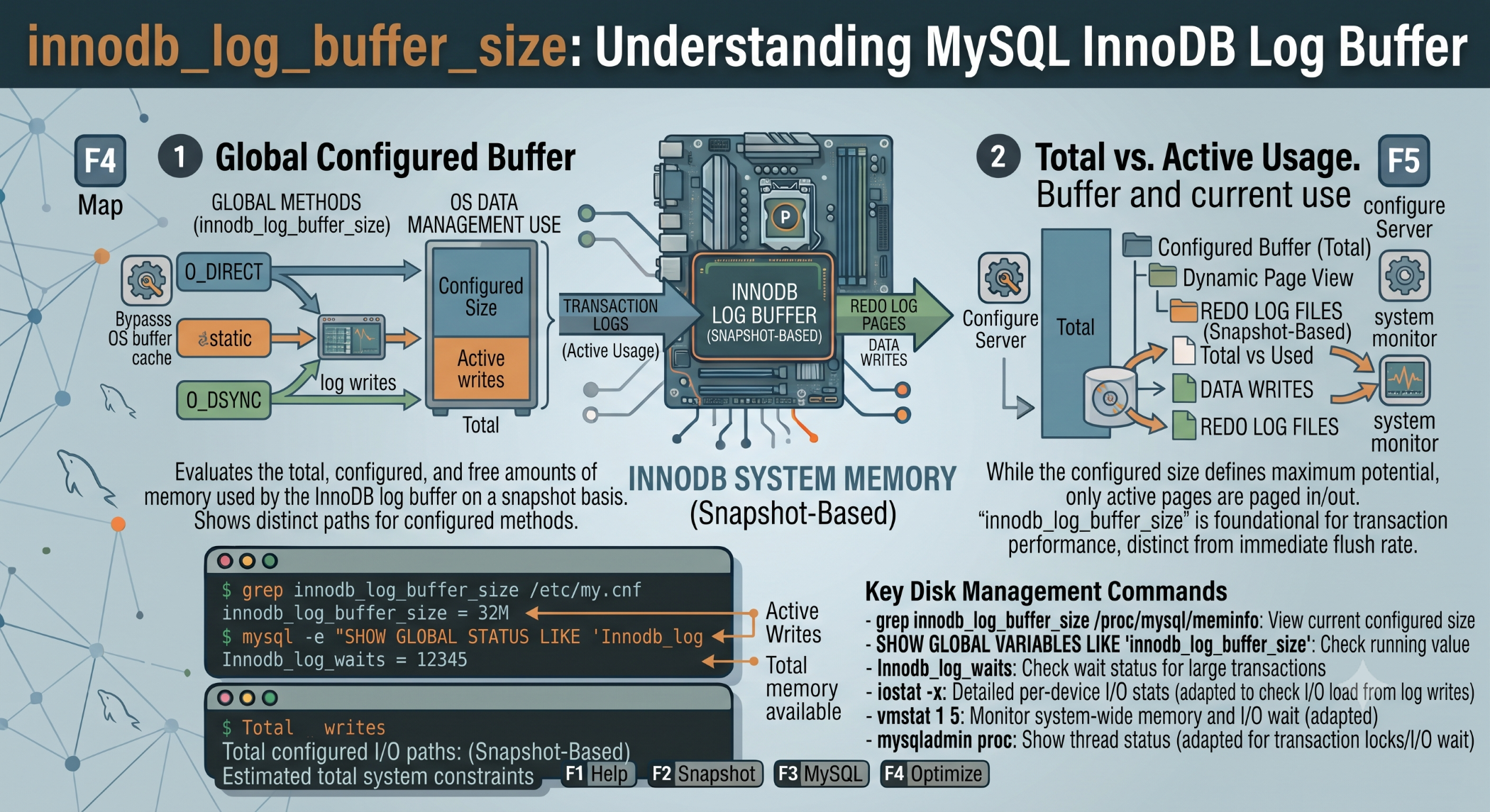
The innodb_log_buffer_size setting controls the amount of memory used by InnoDB for transaction log data before it is written to disk. Learn how it works and when increasing the log buffer can improve MySQL performance.
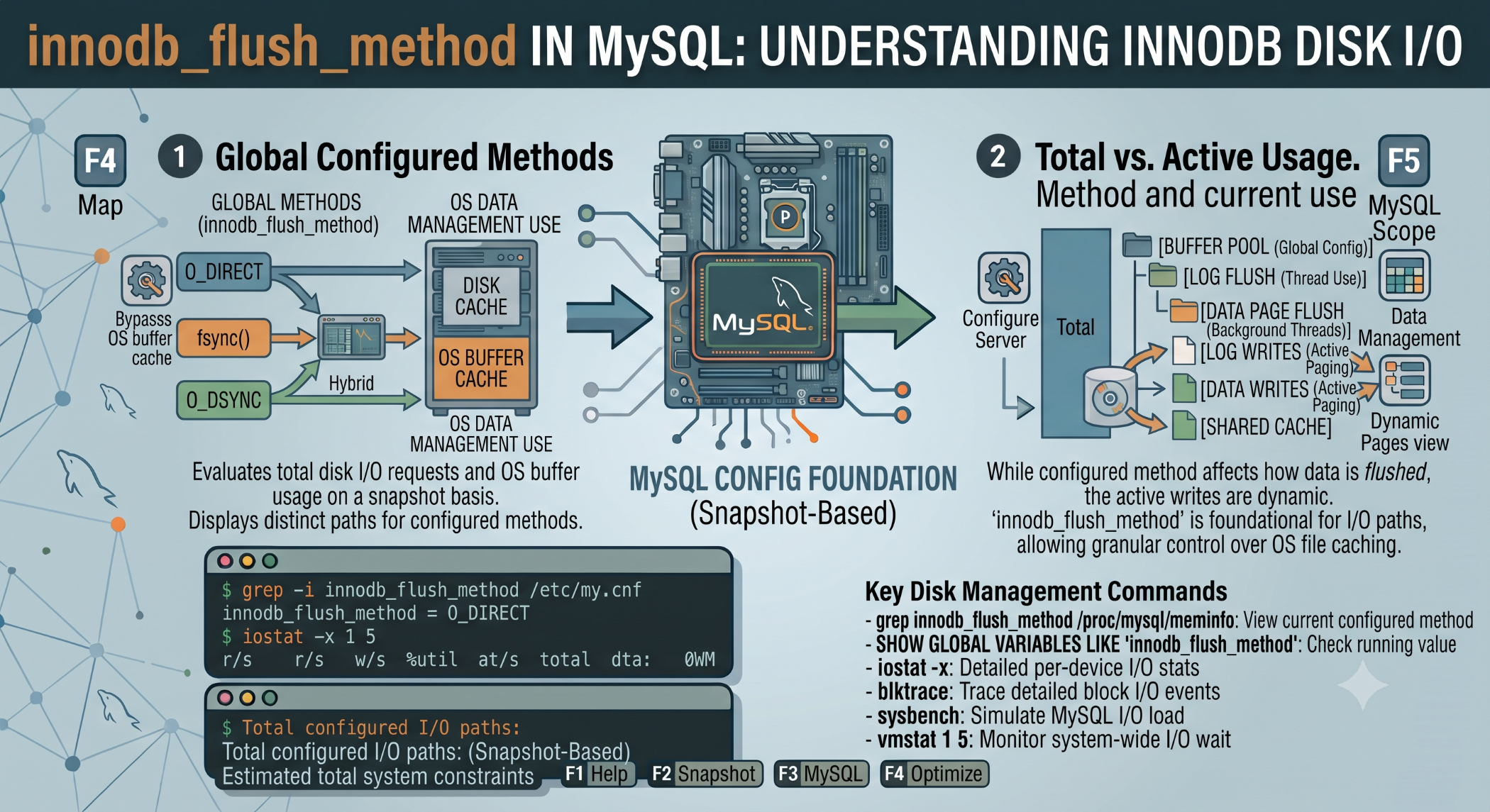
The MySQL innodb_flush_method setting controls how InnoDB performs data and log file I/O. Learn what it does, the common options, and why the correct setting depends on your storage system and workload.
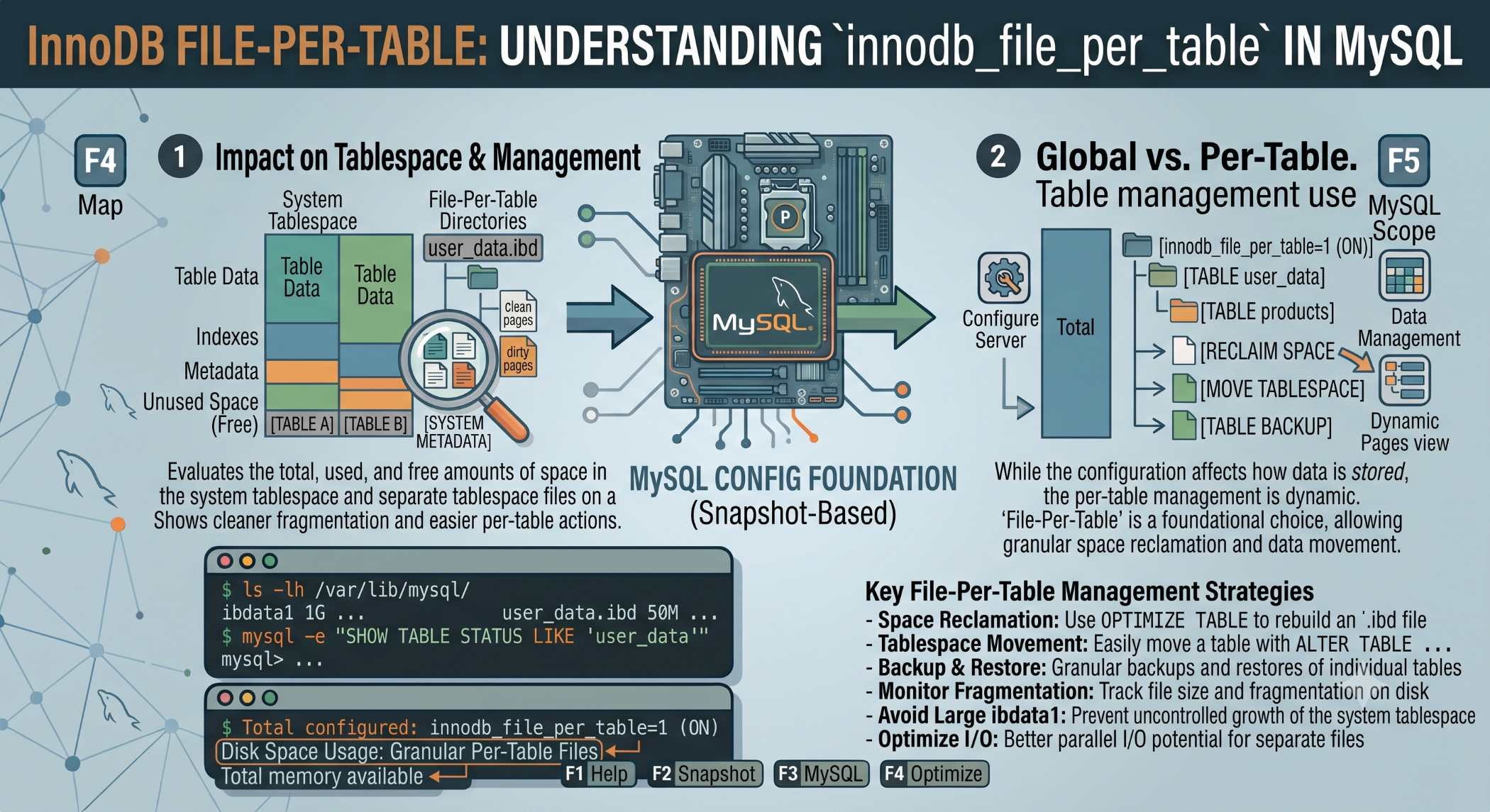
The innodb_flush_log_at_trx_commit setting controls how InnoDB writes and flushes transaction logs. Learn what its values mean and how to choose the right setting for database performance and data durability.
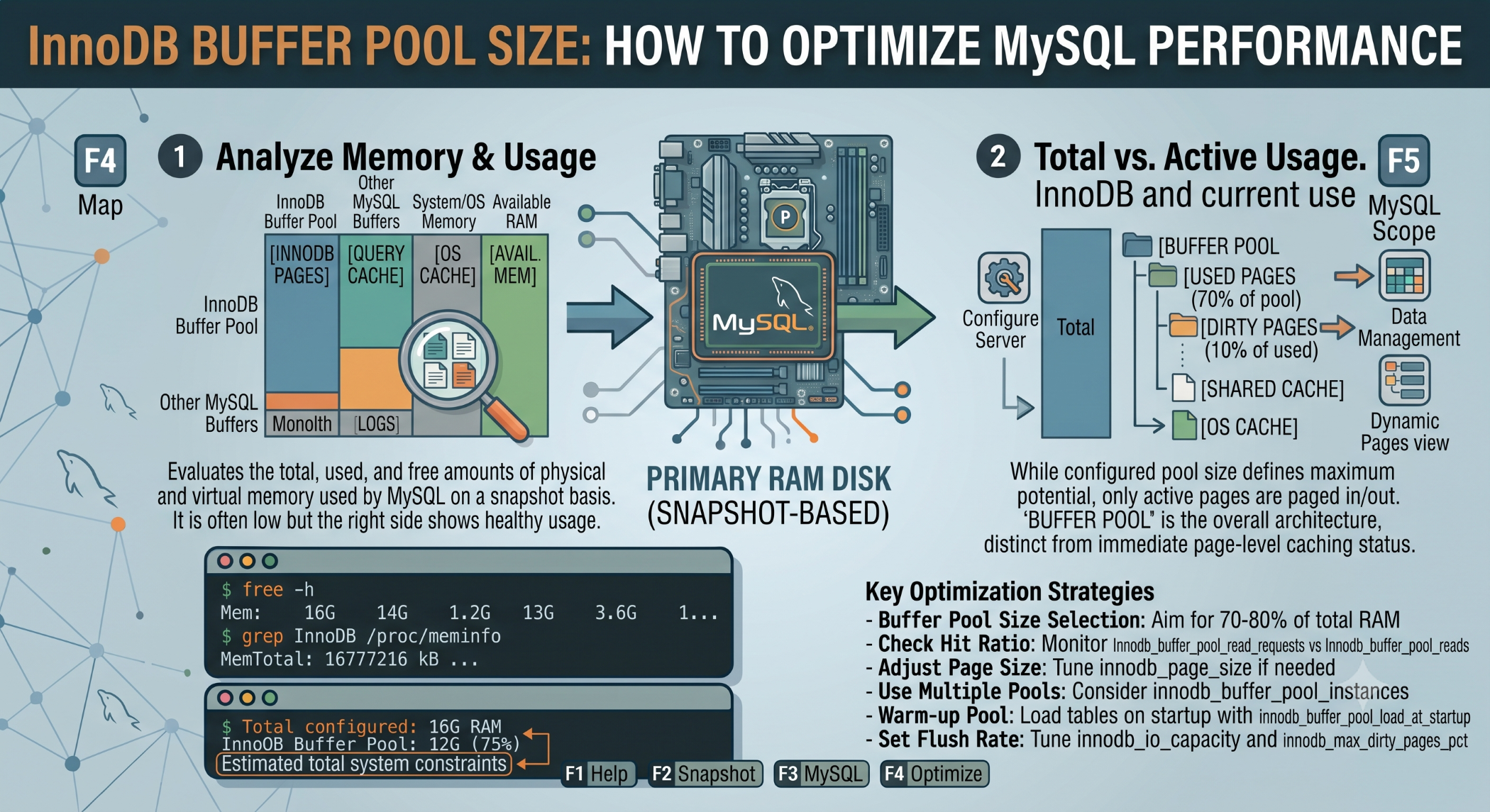
The innodb_file_per_table option controls how InnoDB stores table data and indexes. Learn how this setting works, its advantages, and what to consider when managing MySQL storage.
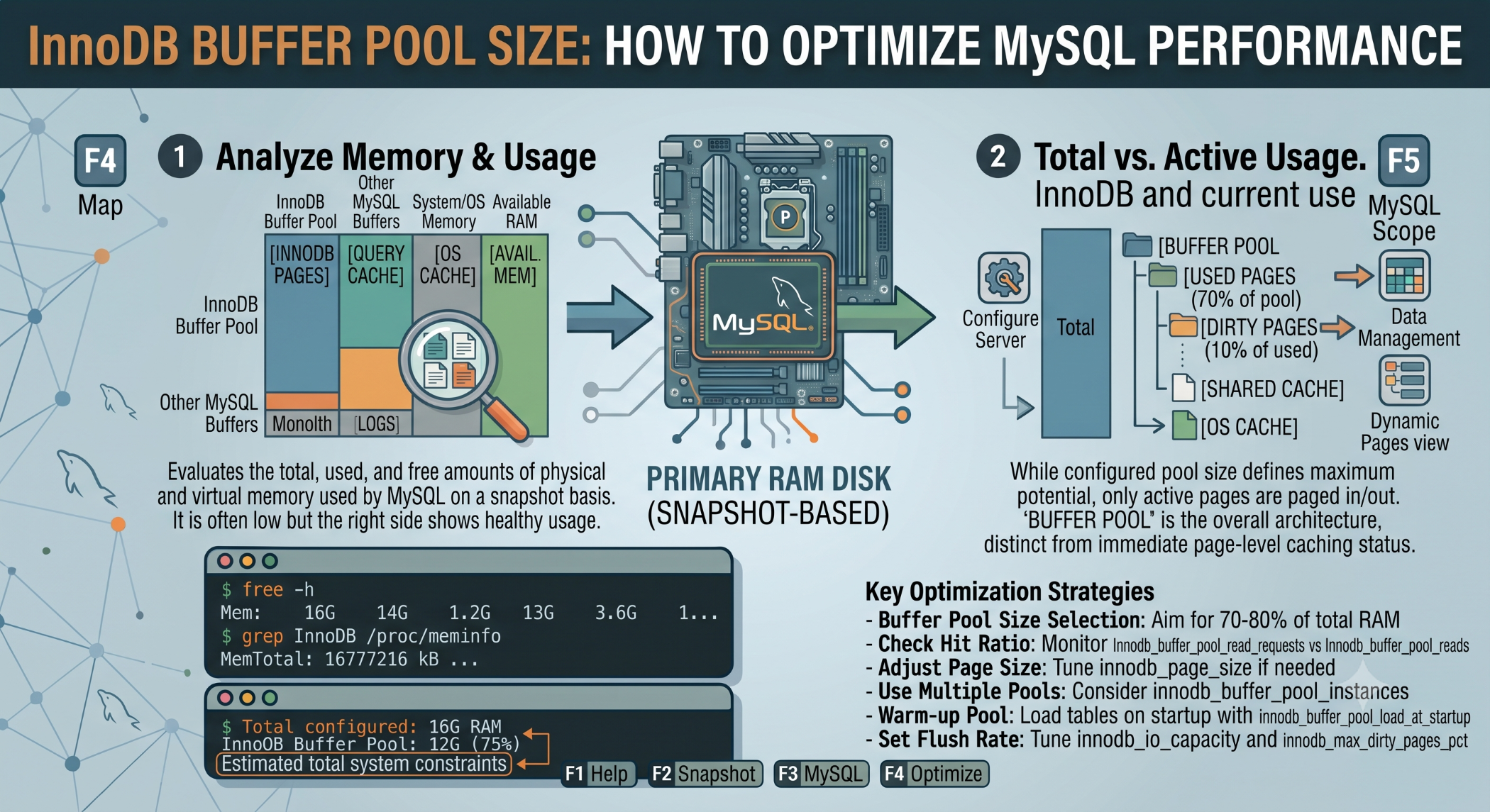
innodb_buffer_pool_size is one of the most important MySQL settings for InnoDB databases. Learn what the buffer pool does, why its size matters, and how to configure it for better database performance.

A strong web application depends on choosing the right technologies, architecture, development practices, and tools. Explore the key areas developers should prioritize when building reliable and scalable web solutions.
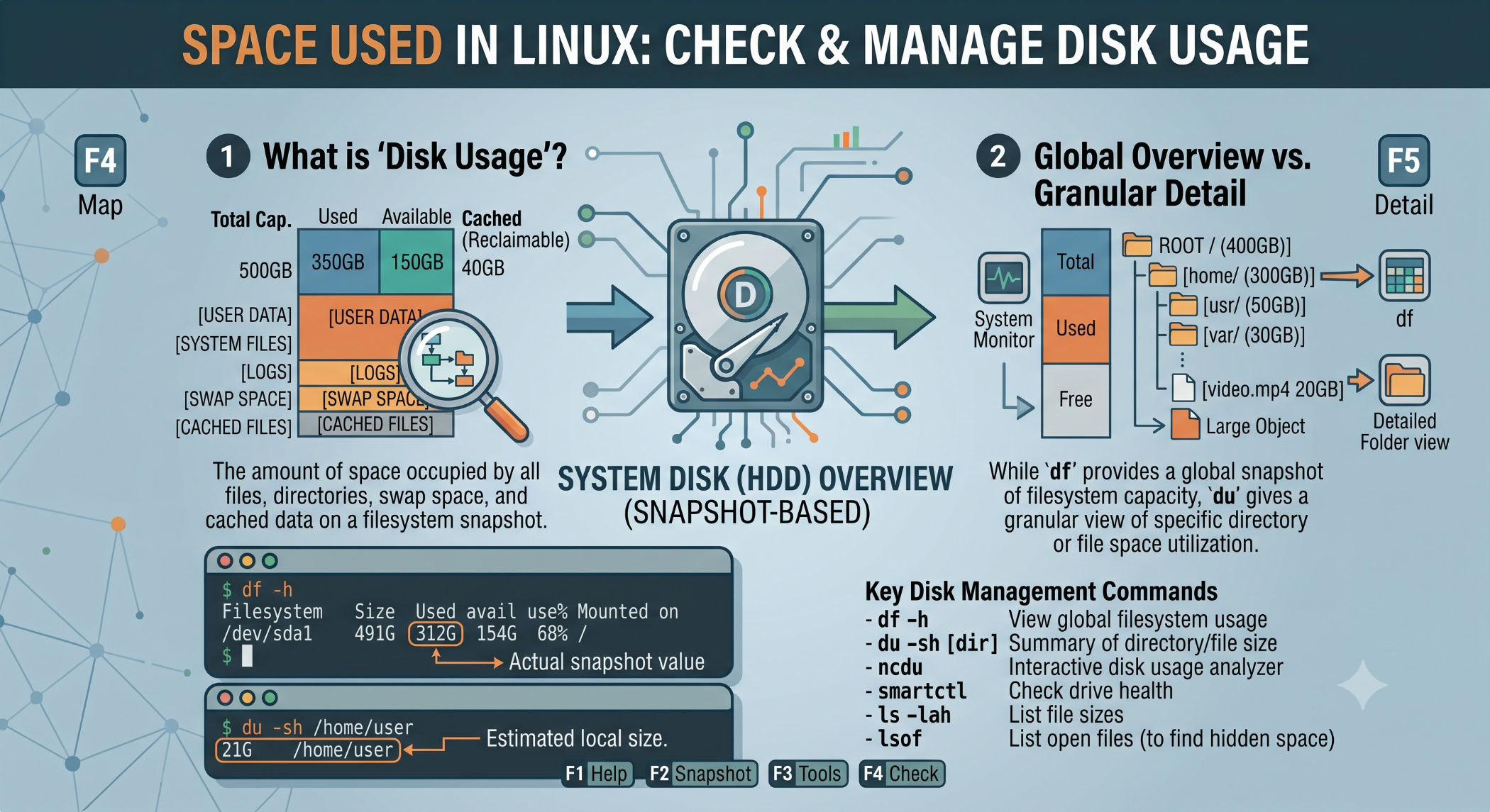
Managing disk space is essential for maintaining healthy Linux systems. Learn how to check space used by files and directories and identify storage that may need attention.
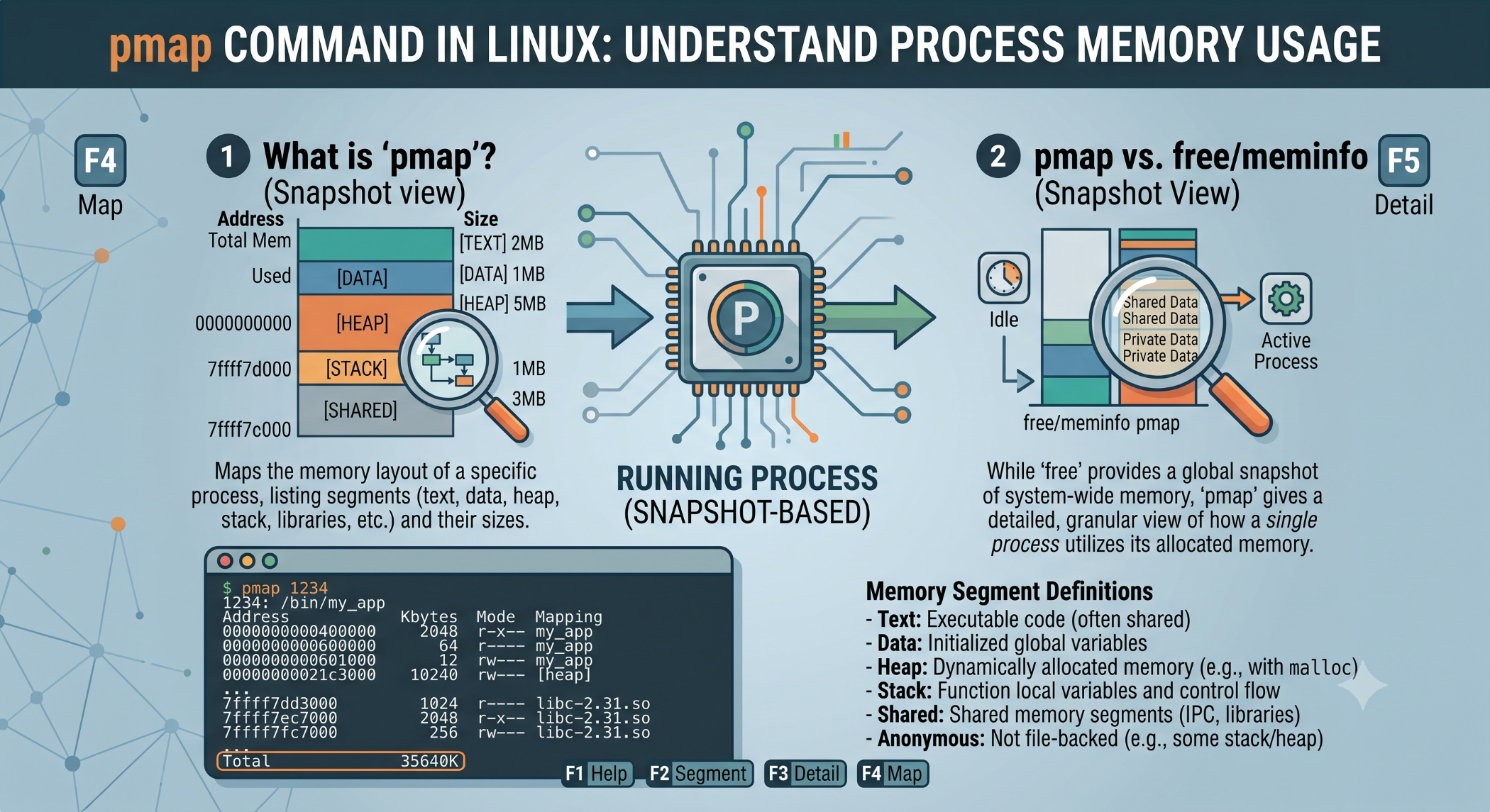
The Linux pmap command shows the memory map of a running process. Learn how to use pmap, understand its common options, and use it to troubleshoot memory-related issues.
1119 W Duarte Rd, Arcadia, CA 91007
Solace Infotech Pvt. Ltd, Supreme HQ,
HQ3C+9F2, Yash Orchid Society,
Baner, Pune, Maharashtra 411021
4th Floor, Samraat Nucleus,
Mumbai Naka, Nashik - 422001
Copyright © 2026 Solace Infotech Pvt. Ltd. | All Rights Reserved | Privacy Policy | Sitemap